Why Software Updates Can Arrive Late - or Disappear - on Imported and Carrier-Branded Phones
Two people own what looks like the same phone.
One receives a new Android update immediately.
The other waits days or even weeks.
A third user checks manually and sees:
Your software is up to date.
Even though newer software clearly exists for the same phone model.
This is not always a bug.
Software updates can depend on much more than the commercial name of the device.
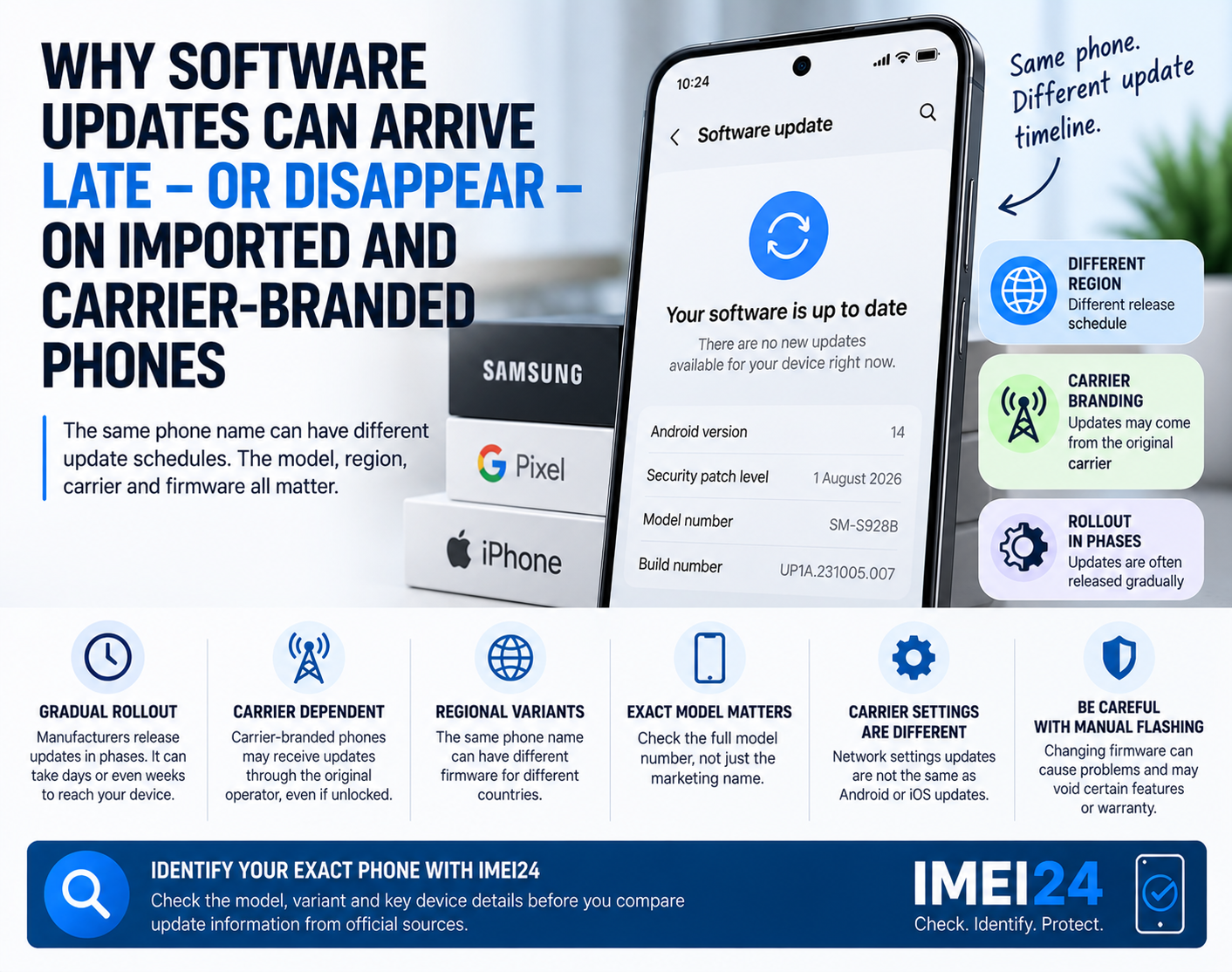
The exact model, regional version, carrier, firmware branch and original market can all affect when an update becomes available.
Updates are often released gradually
One of the most important things to understand is that manufacturers do not always send an update to every compatible phone at the same time.
Google confirms that Pixel updates are rolled out gradually and can depend on both the carrier and the device. Google also notes that it may take several weeks before an update reaches a specific phone.
So if another Pixel owner already has a newer version, that does not automatically mean something is wrong with your phone.
You may simply be in a later rollout group.
The carrier can affect update timing
This is especially important with carrier-branded phones.
Samsung states that software updates can be released at different times depending on the user's location and mobile carrier.
Samsung also explains that some carrier-specific devices receive updates through the original carrier, even if the phone is currently unlocked.
That means:
Unlocked does not always mean carrier-independent software.
A phone can accept SIM cards from different operators while still following the update channel associated with the carrier for which it was originally sold.
Why imported phones can be confusing
Imported smartphones are where update questions become more complicated.
Imagine buying a Galaxy phone originally intended for another country.
The phone works normally.
Calls work.
5G works.
Your local SIM is accepted.
But software updates arrive later than on locally sold units.
This can happen because the device may still belong to a different regional firmware branch.
The phone may have been designed to receive updates according to:
* another country
* another carrier
* another firmware code
* another release schedule
The hardware may look identical from the outside.
The software path does not have to be identical.
The same phone name can hide different variants
A commercial name such as:
Galaxy S26
Pixel 11
or another current model
is not always enough to identify the software version your phone should receive.
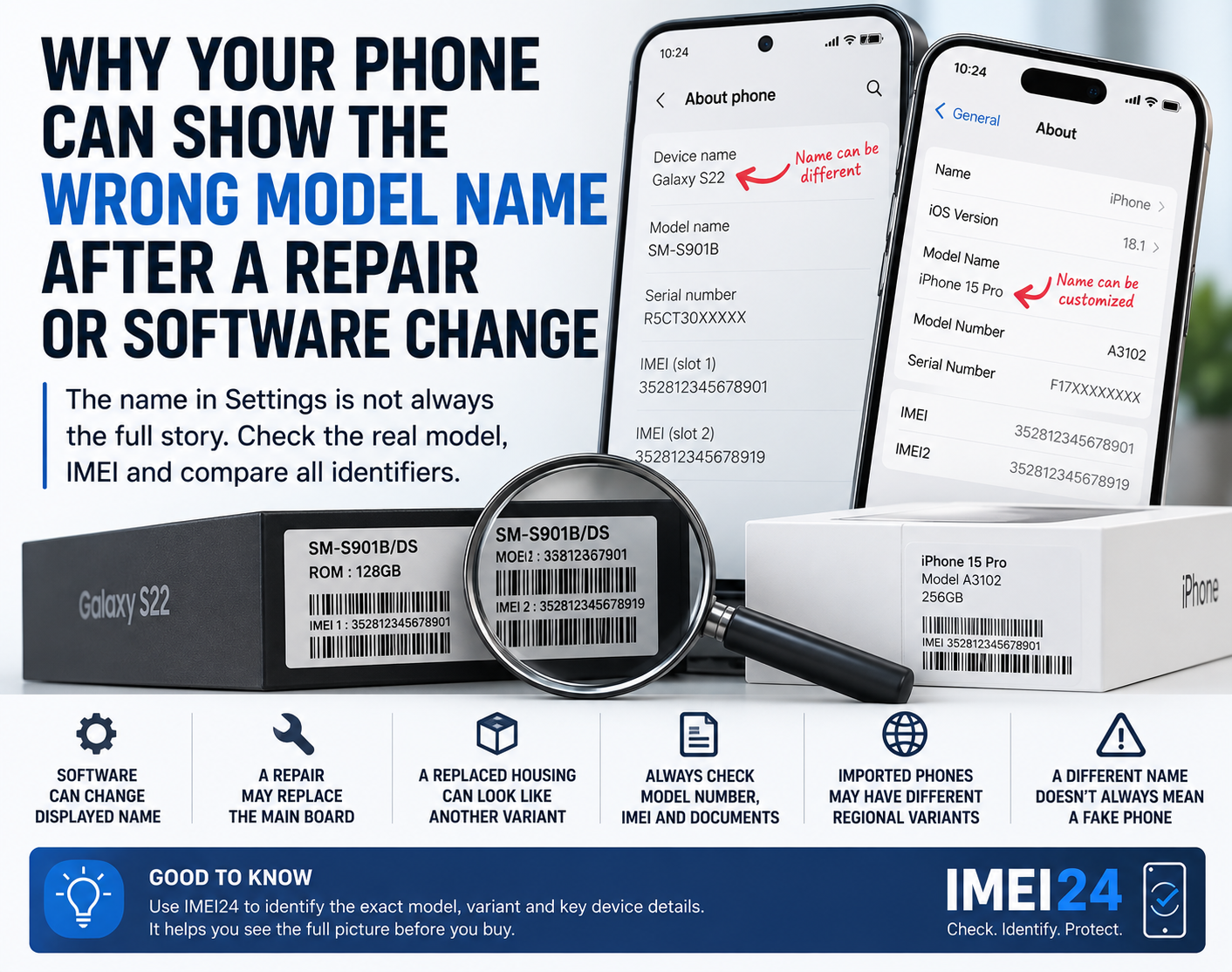
The exact model number matters.
Regional and carrier-specific variants can have different update schedules.
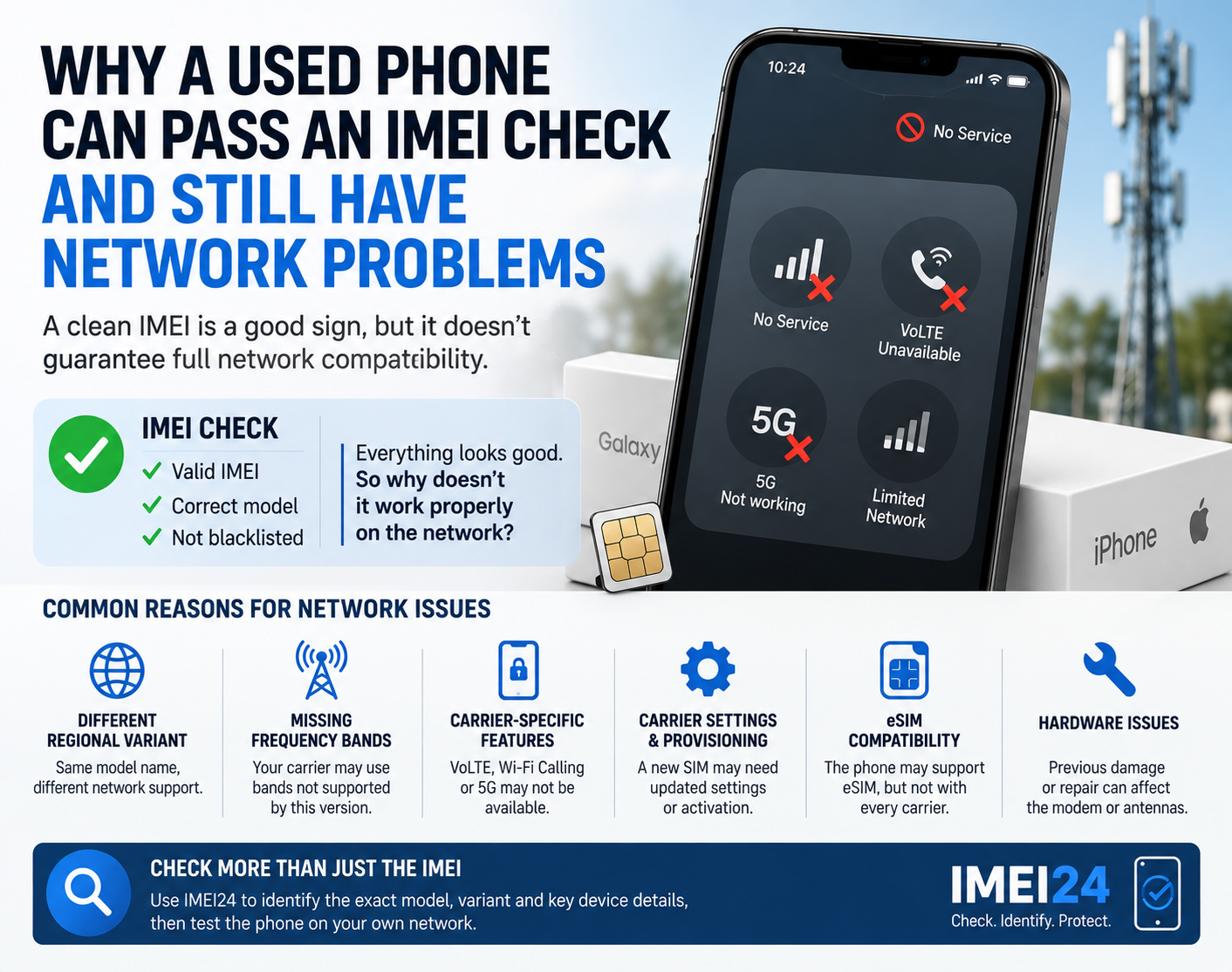
This is one reason why checking the exact device identity can be useful before assuming that an update is missing.
IMEI24 can help identify available information such as:
* exact model
* Product Name
* manufacturer
* SKU
* storage
* regional or device variant
This does not tell you the exact date of the next update.
But it can help answer a more basic question:
Which version of this phone do I actually own?
Carrier-branded does not always mean SIM-locked
These two concepts are easy to confuse.
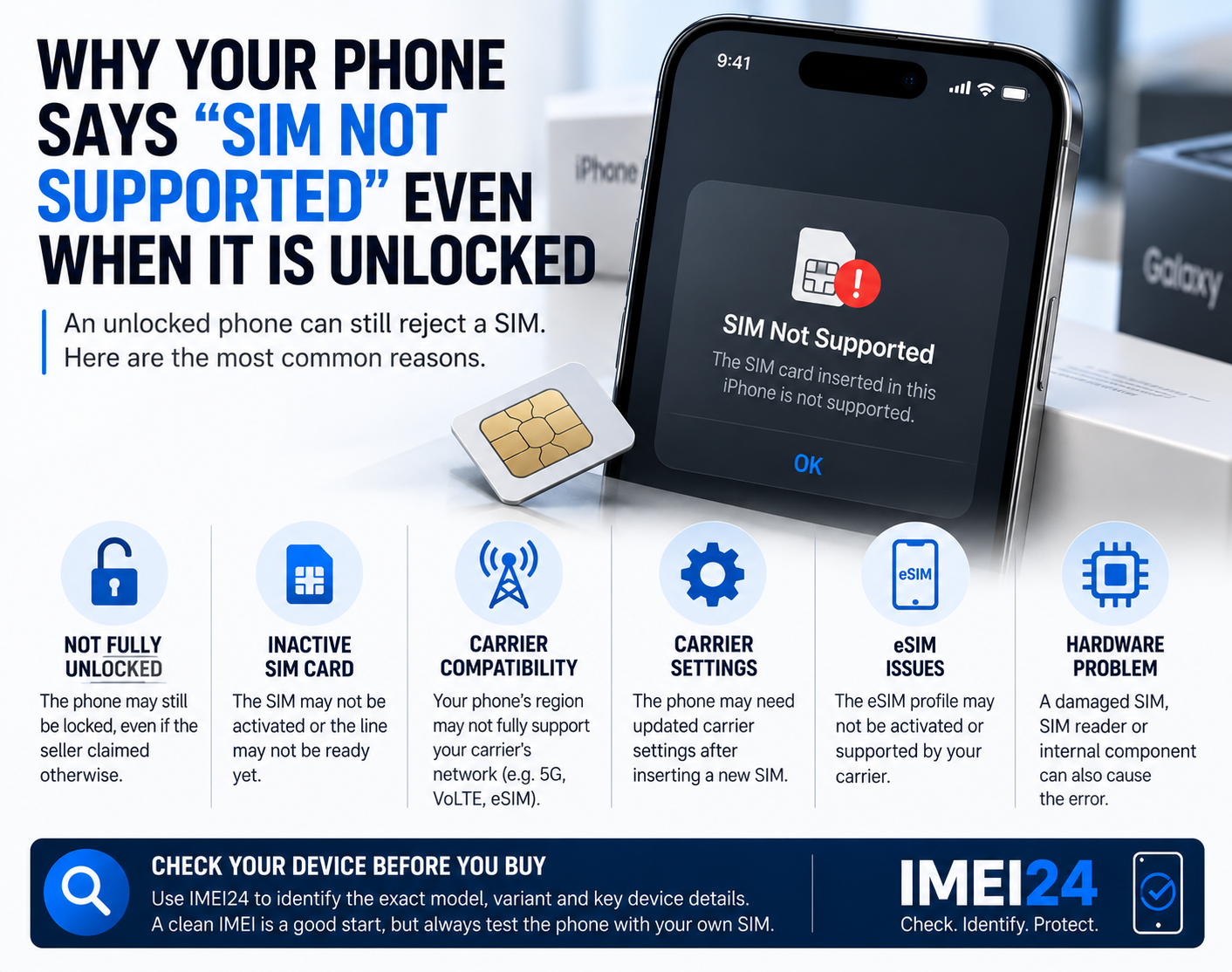
A phone can be carrier-branded but SIM-unlocked.
That means:
* you can use another carrier's SIM
* the phone may still contain original carrier software
* the update path may still depend on the original carrier
Samsung specifically notes that if an unlocked phone was originally sold for use on a specific carrier, the original carrier may still handle its updates.
This explains why two unlocked Galaxy phones can receive updates at different times.
Changing SIM does not necessarily change the update channel
You may assume that inserting a new carrier's SIM will move the phone to that operator's update system.
That is not always how it works.
The update branch can remain connected to:
* original firmware
* regional configuration
* original carrier software
* exact hardware variant
So switching from Carrier A to Carrier B may change network configuration without changing how the phone receives operating system updates.
Carrier settings are different from operating system updates
On iPhone, there is another important distinction.
Apple provides separate carrier settings updates.
These updates can modify network-related settings and add support for features such as:
* 5G
* Wi-Fi Calling
* network improvements
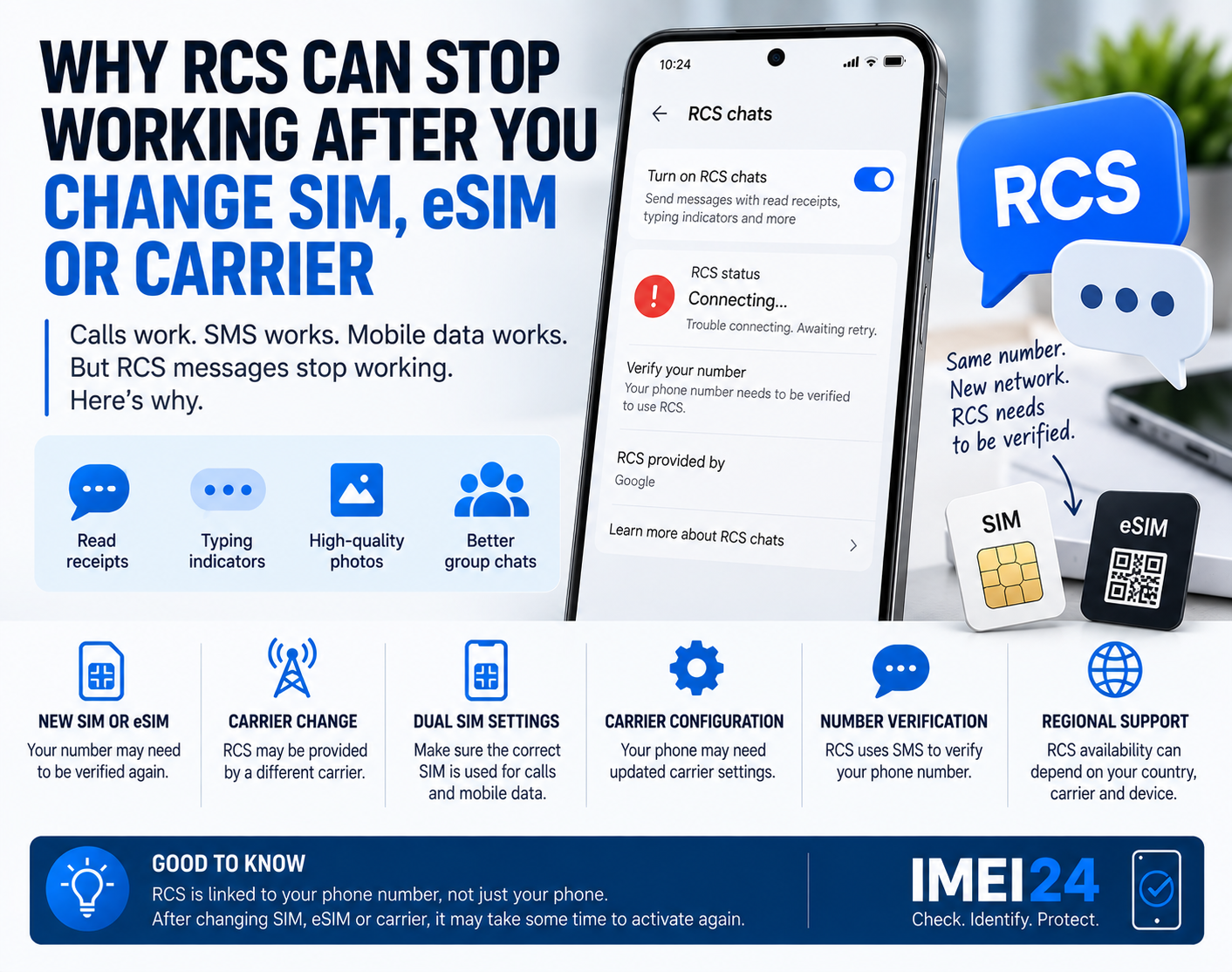
Apple also notes that inserting a new SIM or activating a new eSIM may require downloading settings for the new carrier.
This is not the same thing as installing a new version of iOS.
So when users say:
"My carrier updated my iPhone"
they may actually be talking about carrier settings, not the operating system itself.
Why does the phone sometimes say it is up to date?
This message can be misleading if you compare your phone with someone else's device.
"Up to date" usually means:
There is currently no newer update approved for your exact device configuration.
It does not always mean:
There is no newer software anywhere in the world for this phone family.
The newer version may already exist for:
* another region
* another carrier
* another model variant
* another rollout group
Your phone may simply not be eligible for it yet.
What if the phone was previously modified?
Used and refurbished phones deserve extra attention.
A previous owner or repair shop may have changed the software.
Possible examples include:
* firmware from another region
* carrier firmware replaced with generic firmware
* unofficial software
* manually flashed system images
This can make future update behavior less predictable.
The phone may still work perfectly in everyday use while automatic updates behave differently from factory configuration.
This is one reason why heavily modified phones can be more difficult to support later.
Should you flash another firmware to get the update faster?
Usually, no.
Seeing another region receive an update first can make manual flashing tempting.
But changing firmware only to get an update a little earlier can create unnecessary risk.
Potential problems include:
* data loss
* incorrect carrier configuration
* missing network features
* update failures
* warranty complications
* future OTA update problems
Samsung also warns that once a device has been updated to a newer software version, downgrading to an older firmware version may not be possible because of security policies.
Waiting for the correct official update is usually the safer option.
What should you check if updates seem to have stopped?
Start with the basics.
Check:
* exact model number
* current Android or iOS version
* security patch level
* original region
* carrier branding
* current carrier
* available storage
* Wi-Fi connection
* battery level
Then manually check for updates.
On Samsung:
Settings - Software update - Download and install
On Pixel:
Settings - System - Software update
Samsung also allows software updates through Smart Switch on a computer.
Compare the exact model - not just the phone name
If you are researching whether your phone should already have an update, avoid searches such as:
"Galaxy update available?"
Instead, search using the exact model number.
For example:
"SM-XXXX software update"
This gives you a much more accurate comparison.
The same advice applies when contacting manufacturer support.
Tell them the exact model and current software version.
Why this matters when buying a used phone
Software support has become an important part of a smartphone's value.
A phone may look perfect and still have an unusual update history.
Before buying a used or imported device, it is worth checking:
* exact model
* regional variant
* current software version
* security patch date
* whether automatic updates work
* whether the model is still officially supported
A cheap imported phone can be attractive.
But if it belongs to an unusual firmware branch, future support may be less convenient than on the local version.
IMEI can help identify the device - not predict the update date
It is important not to overstate what an IMEI check can do.
IMEI24 cannot reliably tell you the exact day when a future Android or iOS update will arrive.
That information comes from the manufacturer and carrier rollout process.
But IMEI24 can help identify the exact device variant.
That makes it easier to find the correct update information from official sources.
This distinction matters.
Identification first.
Update schedule second.
Why two identical-looking phones can update differently
Modern smartphone software is distributed through several layers.
The manufacturer matters.
The model matters.
The region matters.
The carrier can matter.
And the rollout group matters too.
So if someone with the same phone name receives an update before you, there is no need to assume your device is broken.
First check whether the phones are actually the same variant.
In many cases, they only look identical.