Why RCS Can Stop Working After You Change SIM, eSIM or Carrier
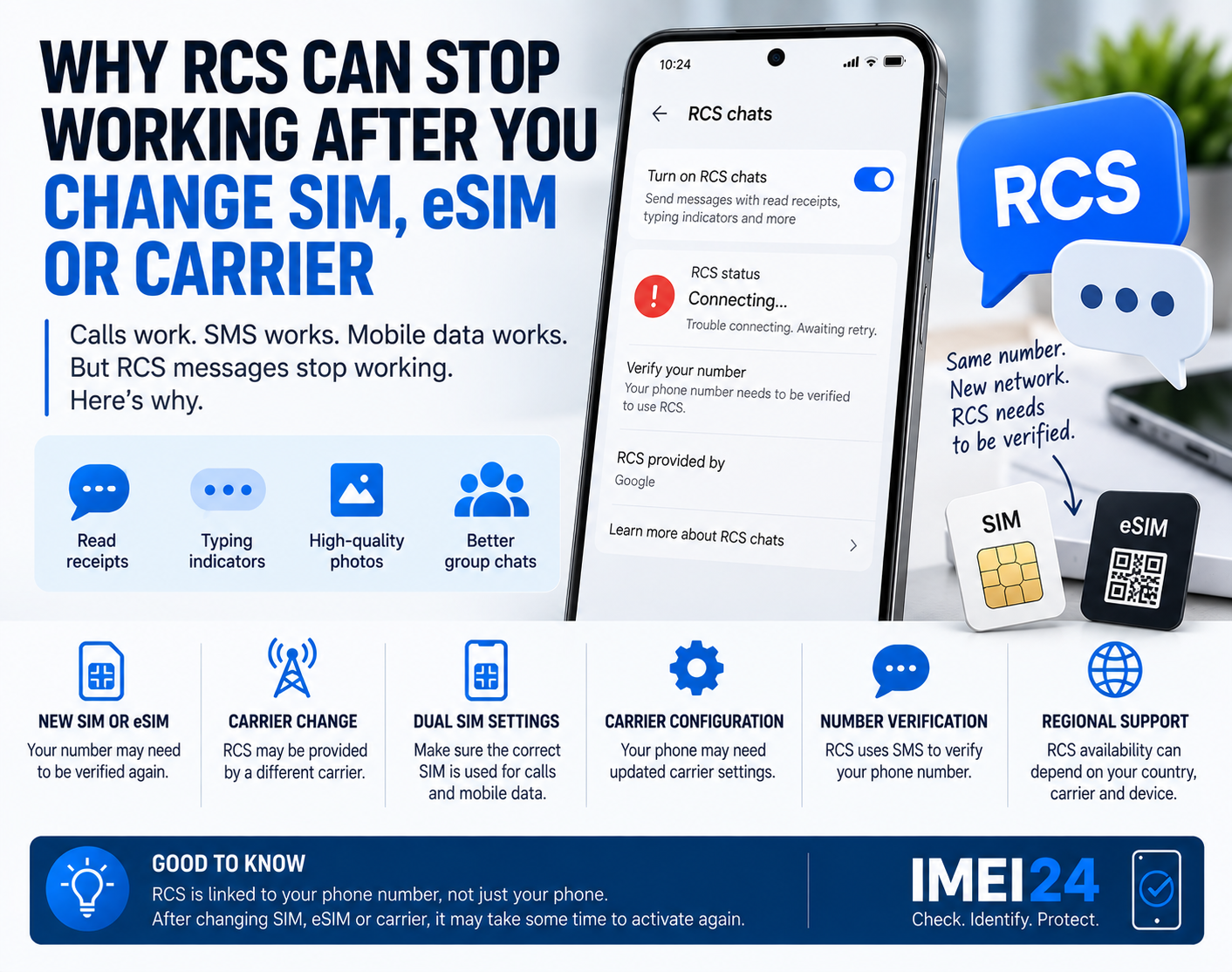
You change your SIM card, move your number to eSIM, or switch to a new mobile operator.
Calls work.
Mobile data works.
SMS works.
But suddenly RCS messages stop working.
Instead of read receipts, typing indicators and high-quality media, your conversations fall back to ordinary SMS or MMS.
This can be confusing because nothing appears to be wrong with the phone.
The reason is that RCS depends on more than just the messaging app.
What is RCS?
RCS stands for Rich Communication Services.
It is a modern messaging standard designed to add features that traditional SMS does not provide.
Depending on the device, app and carrier, RCS can support:
* read receipts
* typing indicators
* high-resolution photos and videos
* messaging over mobile data or Wi-Fi
* improved group chats
Google currently provides RCS through Google Messages in many markets, although the service can also be provided by the mobile operator.
Why can changing a SIM affect RCS?
RCS is connected to your phone number.
When you replace a SIM, activate an eSIM or move your number to another carrier, the messaging service may need to verify that number again.
Google Messages can show statuses such as:
* Connected
* Connecting
* Trouble connecting
* RCS not supported
If the phone number cannot be verified correctly, RCS may remain unavailable even though normal SMS works.
Your number may need to be verified again
Google explains that when RCS is being activated, your phone number must be verified.
This may involve an SMS verification process.
If the verification fails, Google Messages can remain stuck on:
Connecting
or:
Trouble connecting. Awaiting retry
This is especially common after changes involving:
* a new SIM
* a new eSIM
* number porting
* changing carriers
* moving the SIM between phones
* dual SIM configuration changes
The phone itself may be working normally while RCS is still waiting for verification.
Check the RCS status first
Before changing other settings, open Google Messages.
Then go to:
Messages settings - RCS chats
Check the current status.
If it says:
Connected
RCS should be active.
If it says:
Connecting
the number may still be in the verification process.
If the status remains stuck for a long time, the problem may be related to number verification.
SMS working does not mean RCS is working
This is an important difference.
SMS is a traditional carrier messaging service.
RCS uses a more advanced messaging infrastructure and usually requires an internet connection.
That means a phone can:
* send SMS
* receive SMS
* make calls
* use mobile data
and still have RCS disabled or stuck during activation.
This is why testing only SMS does not tell you whether RCS is configured correctly.
Dual SIM phones can make things more complicated
If your phone uses two SIM cards or a combination of SIM and eSIM, make sure the correct line is being used.
Google notes that on dual SIM devices, the SIM used for calls should also be configured appropriately for mobile data when troubleshooting RCS.
The wrong default SIM configuration can interfere with activation.
This becomes especially relevant after:
* adding an eSIM
* switching the primary SIM
* changing the data SIM
* moving a number between SIM slots
If RCS stopped immediately after changing one of these settings, check your SIM configuration before doing anything more complicated.
RCS may continue working temporarily after removing a SIM
There is another interesting detail.
Google states that RCS may continue working for a short period after a SIM card is removed.
This can make troubleshooting confusing.
You may think the old SIM configuration is completely gone, while the messaging service is still associated with the previous setup.
If you are changing phones or carriers, it may take some time before everything is fully updated.
Carrier support still matters
RCS is an industry standard, but the service can be provided either by Google or by the mobile operator.
That means availability can still depend on:
* carrier support
* country
* device
* messaging app
* SIM configuration
Google Messages can also display information about which provider is delivering RCS service.
If the app says that your carrier has disabled RCS, the problem may not be something you can fix directly on the phone.
In that case, contacting the carrier is the correct next step.
Why can RCS stop after number porting?
Moving your phone number from one operator to another can temporarily create more complexity.
Your number may already work for calls and SMS while other services are still updating.
RCS may need to re-register the number with the new configuration.
This can result in temporary problems such as:
* messages falling back to SMS
* RCS stuck on Connecting
* verification delays
* conversations switching between RCS and SMS
The issue does not necessarily mean that number porting failed.
It may simply mean that RCS registration has not finished yet.
Check whether Google Messages is the default SMS app
Google recommends making Google Messages the default SMS application when using its RCS service.
If another messaging app becomes the default after a phone migration or software change, RCS behavior may change.
This can happen when:
* restoring a backup
* changing phones
* installing another messaging app
* transferring settings from an older device
Check the default messaging app before assuming that the carrier is responsible.
What should you do if RCS is stuck on Connecting?
Start with the simple checks.
* confirm that mobile data or Wi-Fi works
* make sure Google Messages is the default SMS app
* check that your phone number is correct
* open Messages settings - RCS chats
* use the Verify your number option if available
* confirm that SMS messages can be received
* check your SIM and data settings on dual SIM phones
* restart the phone
Avoid repeatedly turning RCS on and off without checking the status first.
You want to understand where the activation process is failing.
Why receiving SMS matters
Google can use SMS to verify your phone number during RCS activation.
If your line cannot receive SMS properly, RCS verification may fail.
That means the real problem may be:
* incomplete number porting
* inactive SIM
* incorrect SIM configuration
* carrier-side issue
Again, the phone itself may be perfectly fine.
Does IMEI affect RCS?
IMEI is not your RCS account and does not directly activate RCS.
RCS is primarily associated with your phone number, messaging configuration and service provider.
However, device identification can still be useful if the problem appears only on a specific phone.
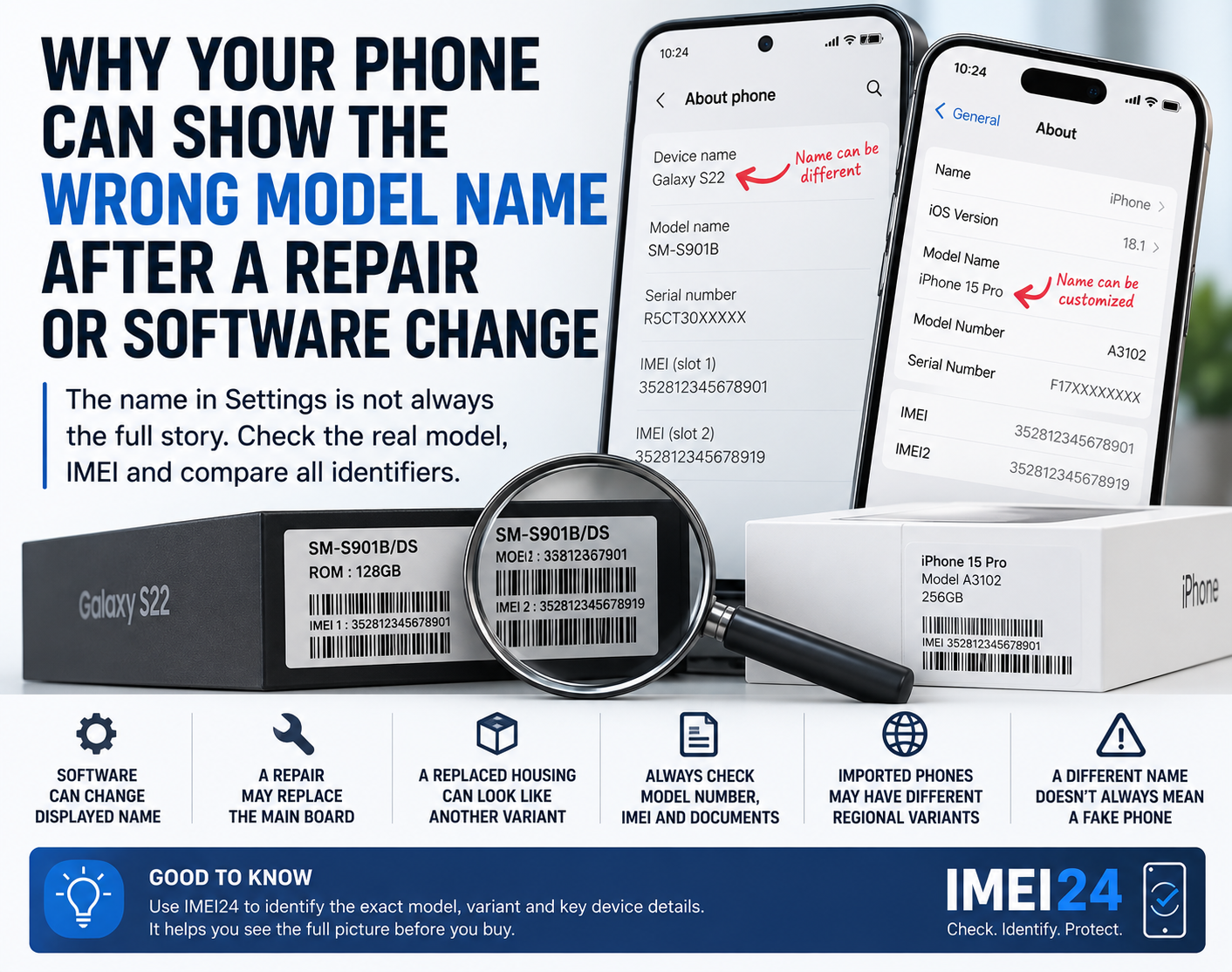
For example, IMEI24 can help confirm available details such as:
* exact phone model
* manufacturer
* Product Name
* SKU
* storage
* regional or device variant
This can be useful when contacting your carrier or comparing support for different versions of the same smartphone.
But an IMEI check should not be presented as an RCS activation tool.
Do not factory reset the phone immediately
A factory reset is rarely the best first solution for an RCS activation problem.
It can create additional work without fixing the real cause.
Before resetting the phone, check:
* RCS status
* phone number verification
* SIM configuration
* default messaging app
* carrier support
* mobile data
* SMS reception
If one of these is wrong, a factory reset may change nothing.
Changing carrier can change more than your mobile plan
Most people think switching operators only changes price, coverage and data allowance.
In reality, several phone services depend on the carrier.
RCS is one of them.
A new carrier may mean a new provisioning process, a new RCS provider or a new number verification step.
That is why RCS can stop working even when calls and mobile internet continue normally.
The phone may be fine - the registration may not be
If RCS stops after changing SIM, eSIM or carrier, do not immediately assume there is a hardware problem.
First check whether your phone number has been verified.
Then confirm the correct SIM configuration and RCS status.
In many cases, the problem is not the smartphone.
It is the messaging service trying to understand your new network setup.