Why Your Phone Says "SIM Not Supported" Even When It Is Unlocked
Why Your Phone Says 'SIM Not Supported' Even When It Is Unlocked
You buy a phone described as unlocked.
You insert your SIM card, expect it to work immediately, and instead see a message such as:
SIM not supported
Invalid SIM
SIM not allowed
Or the phone simply refuses to activate.
At first glance, this seems contradictory. If the phone is unlocked, why would it reject the SIM?
Because "unlocked" only answers one question.
It does not guarantee that every SIM, eSIM, carrier, or network configuration will work automatically.
What does an unlocked phone actually mean?
A SIM-unlocked phone is not restricted to one specific mobile operator.
Google explains that an unlocked Pixel can be used with different carriers, while phones purchased from some operators may remain SIM-locked until the carrier removes the restriction.
Apple uses a similar definition.
On an iPhone, you can check:
Settings - General - About - Carrier Lock
If the phone is unlocked, Apple says you should see:
No SIM restrictions
Apple also makes one important point - only the current carrier can remove a carrier lock from an iPhone. Apple cannot unlock it for you.
So why can an unlocked phone still reject a SIM?
There are several possible reasons.
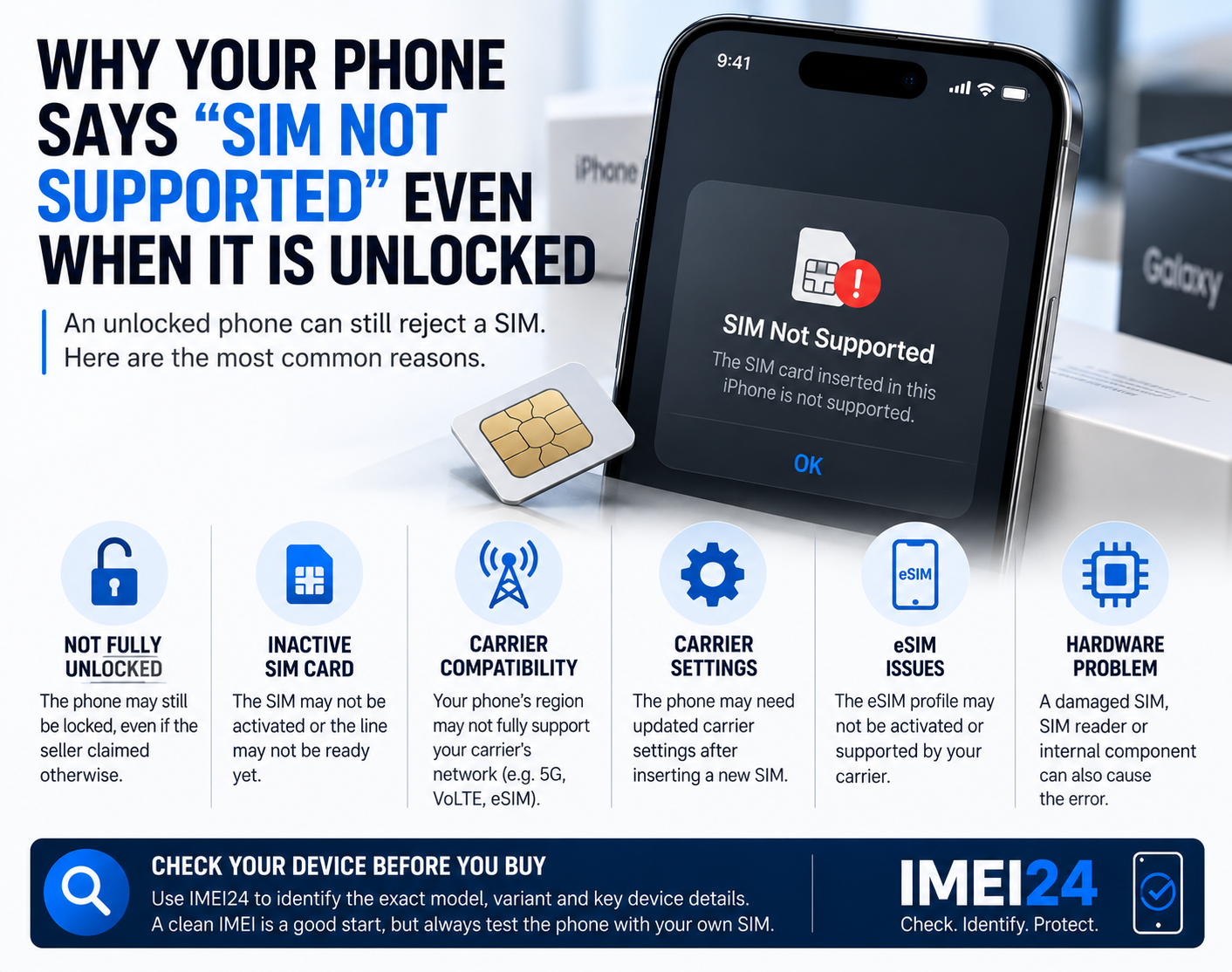
The most common include:
* the unlock process was not fully completed
* the new SIM is not active
* the carrier has not provisioned the line correctly
* the SIM itself is too old or unsupported
* the eSIM profile is not activated
* the phone needs updated carrier settings
* the device variant is not fully compatible with the new carrier
* the phone is still locked despite what the seller claimed
That last point is especially important when buying used devices.
The seller saying "unlocked" is not proof
If you are buying a second-hand phone, do not rely only on the listing.
Check the device itself.
On an iPhone:
Settings - General - About - Carrier Lock
If you do not see "No SIM restrictions," the phone may still be tied to a carrier.
On Android, the exact method varies by manufacturer.
The safest practical test is often to insert a SIM from another carrier and see whether the phone registers correctly.
Sometimes the carrier has unlocked the phone, but the phone has not refreshed the status yet
This situation can happen after a carrier processes an unlock request.
Google notes that if a new SIM still does not work after the original carrier removed a SIM lock, the SIM status may need to be refreshed.
In other words, the operator may have changed the device status in its system, but the phone may still need to reconnect or complete the process.
Restarting the phone, reconnecting to Wi-Fi, or reinserting the SIM may help.
On some devices, further activation steps may be required.
An active SIM is just as important as an unlocked phone
A perfectly unlocked phone cannot use a mobile line that is not active.
Apple specifically recommends confirming that you have an active carrier plan when troubleshooting Invalid SIM or No SIM errors.
This sounds obvious, but it becomes important when:
* moving a number between operators
* activating a replacement SIM
* switching from physical SIM to eSIM
* using a recently ported number
* inserting a SIM that has not been used for a long time
The phone may be fine while the problem is entirely on the carrier side.
The SIM card itself may be the problem
A SIM can fail even when the phone is unlocked.
Possible causes include:
* physical damage
* poor contact
* incorrect insertion
* outdated SIM technology
* carrier-side deactivation
Samsung's current support documentation says SIM detection problems can result from temporary software errors, a damaged SIM, incorrect insertion, or carrier-related settings.
Google also notes that some older SIM cards are no longer supported by newer Pixel models and may need to be replaced by the carrier.
So if a phone rejects one SIM, try another known-working SIM before assuming the handset is locked.
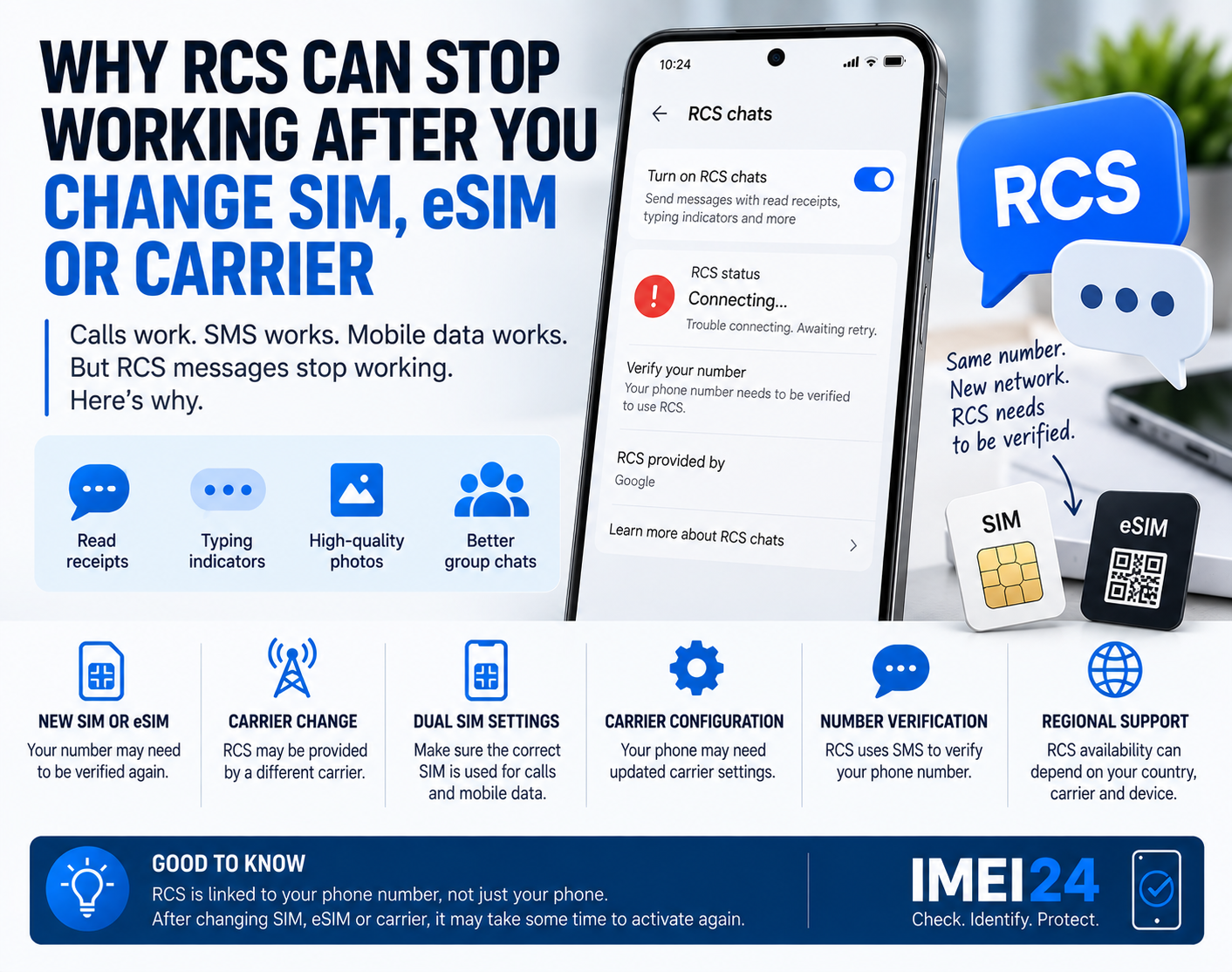
eSIM creates another possible failure point
With eSIM, there is no physical card to remove and test.
The profile itself must be downloaded, activated, and supported by the carrier.
An iPhone may technically support eSIM, but both the phone and the operator still have to support the required configuration.
Apple notes that for Dual SIM setups, the iPhone must either be unlocked or both plans must come from the same carrier. The carrier must also support the relevant Dual SIM and eSIM functionality.
That means "the phone has eSIM" does not automatically mean "every eSIM will work."
"SIM not supported" can also appear during iPhone activation
This is slightly different from inserting a SIM into an already active phone.
Apple documents situations where activation can fail because the SIM or eSIM is not supported.
If an iPhone displays a message saying that the installed SIM is not supported, Apple recommends checking whether the device is actually unlocked and whether activation can be completed with the correct carrier.
This is particularly relevant with imported or second-hand iPhones.
Carrier settings can matter after inserting a new SIM
On iPhone, Apple recommends checking for carrier settings updates when troubleshooting SIM-related issues.
You can do this by opening:
Settings - General - About
If an update is available, the phone may prompt you to install it.
These settings help the phone communicate correctly with the mobile operator.
A new SIM can sometimes require a new carrier configuration even when the phone itself is fully unlocked.
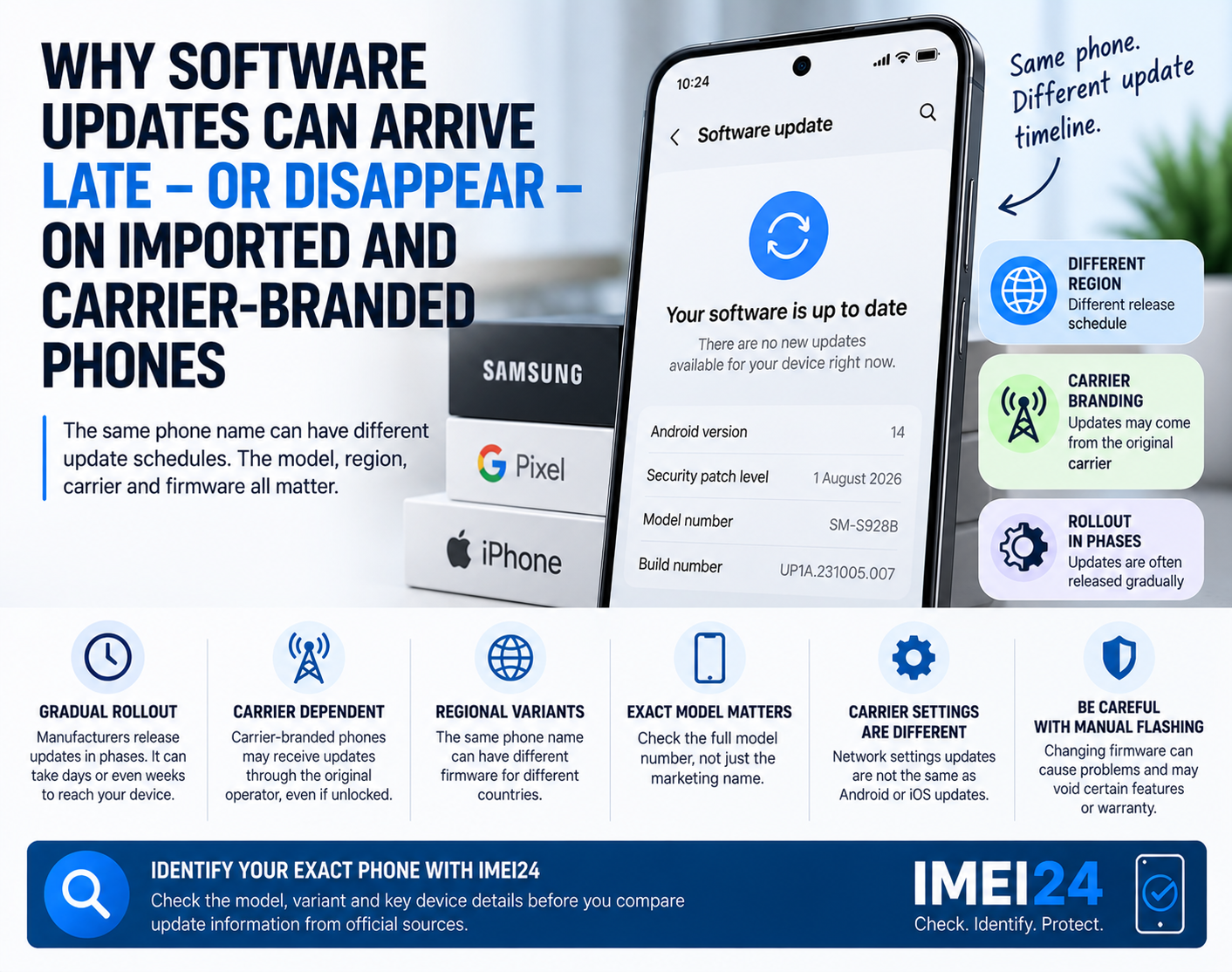
Imported phones can add another layer of confusion
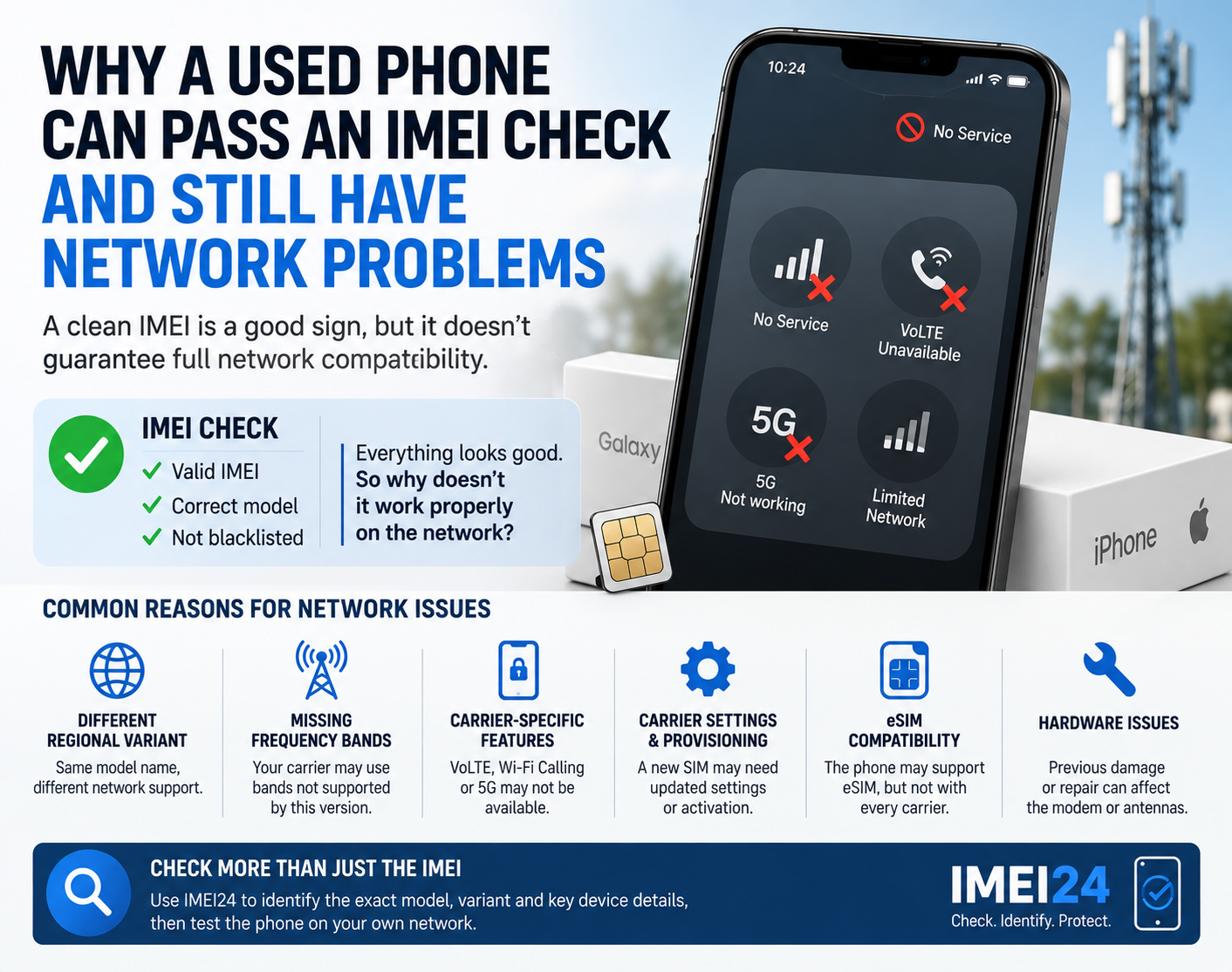
A phone may be unlocked and still not be the ideal version for your carrier.
Regional variants can differ in:
* supported frequency bands
* carrier profiles
* eSIM support
* 5G compatibility
* VoLTE support
* Wi-Fi Calling support
Google explicitly notes that even unlocked Pixel phones do not necessarily support every 5G network.
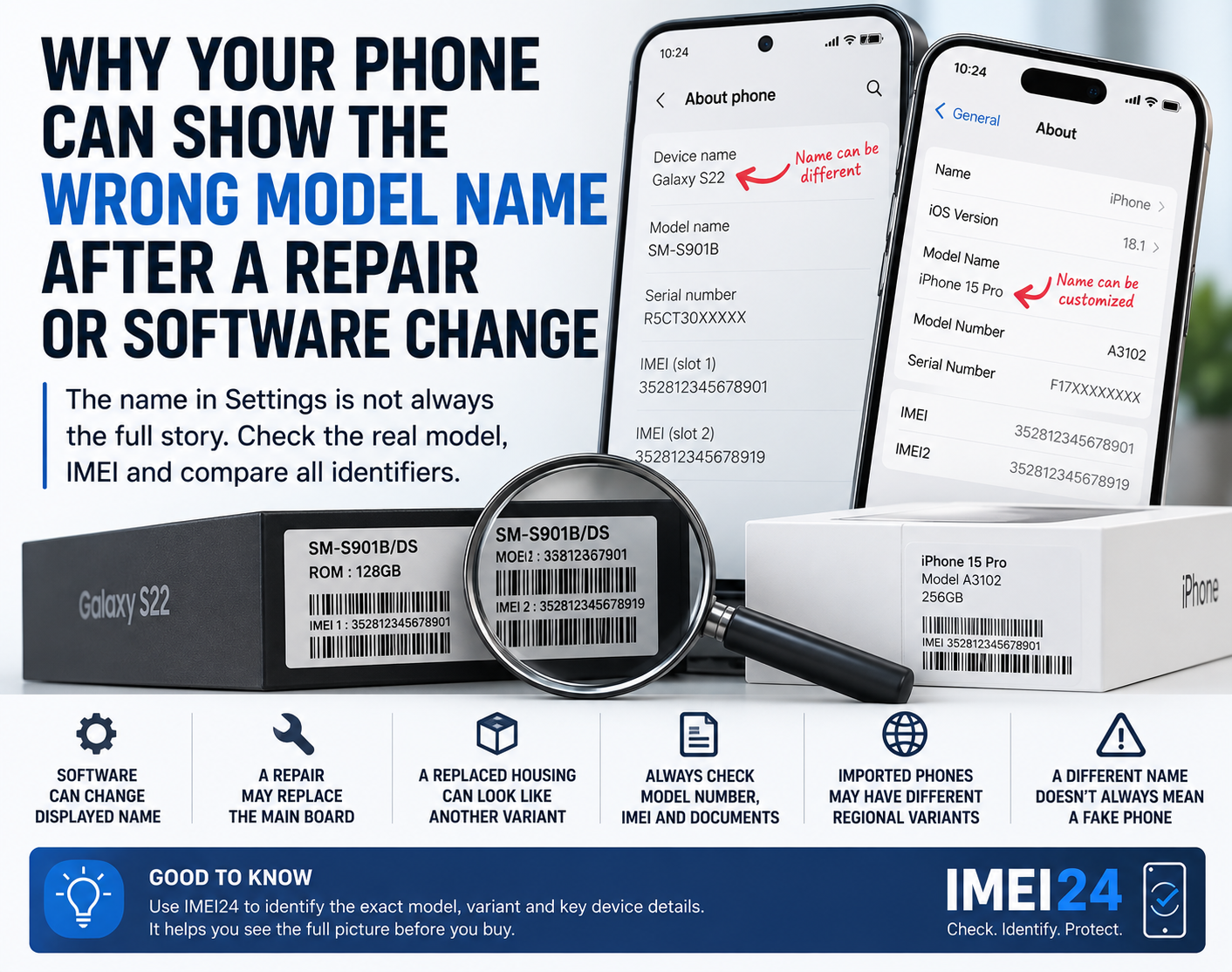
This is why identifying the exact phone variant matters.
A device lookup through IMEI24 can help confirm available information such as:
* exact model
* Product Name
* manufacturer
* SKU
* storage
* regional or device variant
* blacklist status where supported
This does not tell you whether a SIM will definitely activate.
But it helps answer an important first question:
What exact phone am I trying to activate?
Do not confuse carrier lock with network compatibility
This is probably the most important distinction.
Carrier lock means:
The phone is restricted to one operator.
Network compatibility means:
The phone technically and commercially works with another operator's network.
A phone can be:
* unlocked but poorly compatible
* unlocked but waiting for carrier provisioning
* unlocked but using an unsupported SIM
* unlocked but unable to use certain carrier features
So the absence of a SIM lock does not guarantee perfect network operation.
What should you check first?
If your phone says "SIM not supported," use this order:
* confirm that the phone is actually unlocked
* make sure the SIM or eSIM is active
* restart the phone
* check for system updates
* check for carrier settings updates
* test another SIM if possible
* confirm the exact phone model and regional variant
* contact the new carrier
* contact the original carrier if the phone may still be locked
Do not factory reset the phone immediately.
In many cases, the problem is related to activation or carrier configuration rather than the phone's stored data.
What if you are buying the phone used?
Test it before paying whenever possible.
Bring a SIM from a different carrier than the seller uses.
Then check:
* whether the SIM is detected
* whether the phone registers on the network
* whether calls work
* whether mobile data works
* whether the phone shows any activation warning
* whether Carrier Lock shows no restrictions on iPhone
* whether the IMEI and exact model match the listing
A clean-looking phone is not enough.
Unlocked does not mean problem-free
An unlocked phone gives you freedom to change carriers.
But the mobile network still depends on several things working together:
* the device
* the SIM or eSIM
* the carrier account
* network compatibility
* carrier configuration
So if you see "SIM not supported," do not immediately assume that the seller lied or that the phone is defective.
First confirm the lock status.
Then check the SIM, activation, carrier settings, and exact device variant.
The word "unlocked" is important - but it is only one part of the story.