Why Your Phone Says Emergency Calls Only Even With a SIM Installed
You insert a SIM card, wait a moment, and expect the phone to connect normally.
Instead, you see a frustrating message:
Emergency calls only.
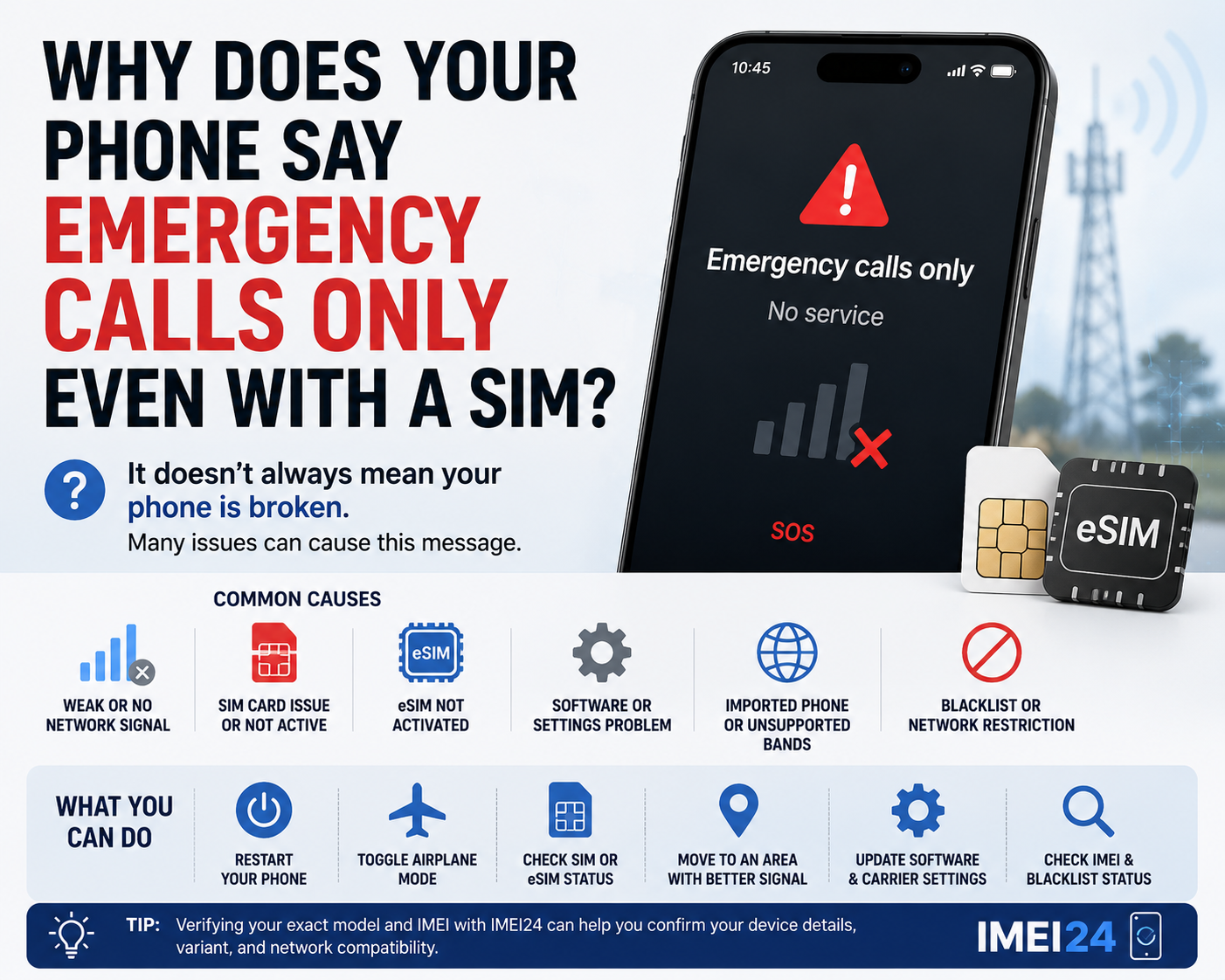
For many users, this looks like a serious phone failure. Sometimes it is just a temporary network issue. In other cases, it points to a problem with the SIM card, eSIM activation, carrier settings, software, or even the exact phone variant you are using.
The important thing is that this message does not always mean the same thing as "no SIM" or "dead phone."
What "Emergency calls only" actually means
In simple terms, the phone is not properly connected to your regular mobile network, but it can still reach emergency services.
That is why the device may appear partly functional while normal calls, texts, and mobile data do not work.
On some phones you may instead see messages such as:
* SOS
* SOS only
* No service
* Not registered on network
The wording varies by manufacturer, but the core issue is usually the same - the phone is not fully attached to your normal carrier service.
It is not always the phone's fault
Users often assume the handset is broken, especially if the message appears suddenly.
But there are several common causes that have nothing to do with permanent hardware damage:
* weak or blocked signal
* temporary carrier outage
* inactive or damaged SIM card
* eSIM not activated correctly
* software or carrier settings issue
* network registration problem after travel or switching operators
* unsupported phone variant on a local network
This is why replacing the phone should not be your first reaction.
Start with the most basic checks
Before going deeper, check the obvious things first.
Turn Airplane Mode on and off.
Restart the phone.
Make sure the SIM is seated correctly.
If you use eSIM, confirm that the mobile plan is actually active.
These steps sound simple, but they often fix short-lived registration problems.
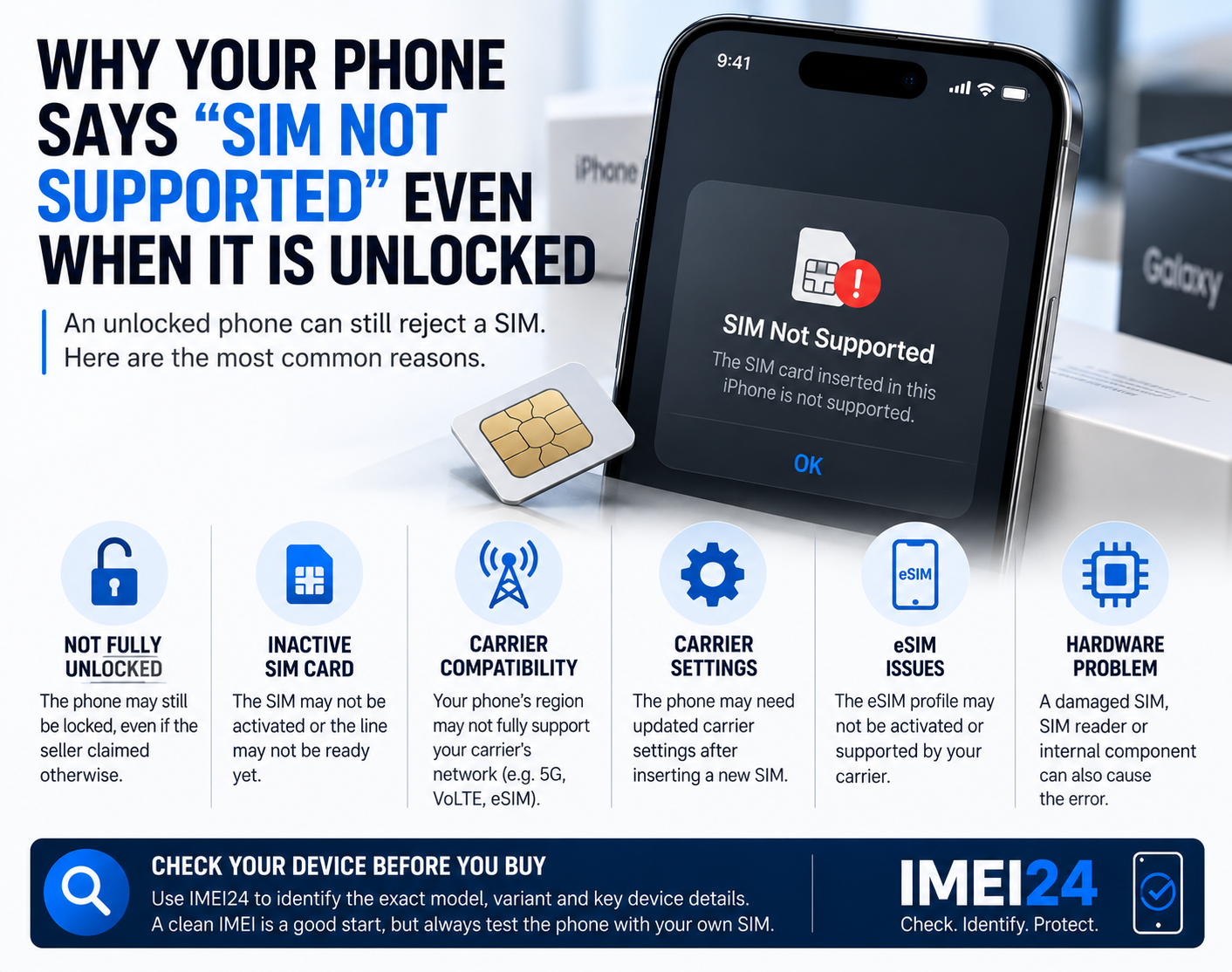
The SIM card may be installed but still not working properly
A lot of people hear "Emergency calls only" and think: "That cannot be the SIM, because the SIM is inside the phone."
Unfortunately, physical presence is not the same as proper function.
A SIM can still fail because it is:
* dirty
* damaged
* not provisioned correctly
* deactivated by the carrier
* no longer supported
* inserted in a problematic tray or reader
If possible, test the same SIM in another phone.
If the same issue appears there too, the problem is much more likely to be with the SIM or the mobile line than with the handset itself.
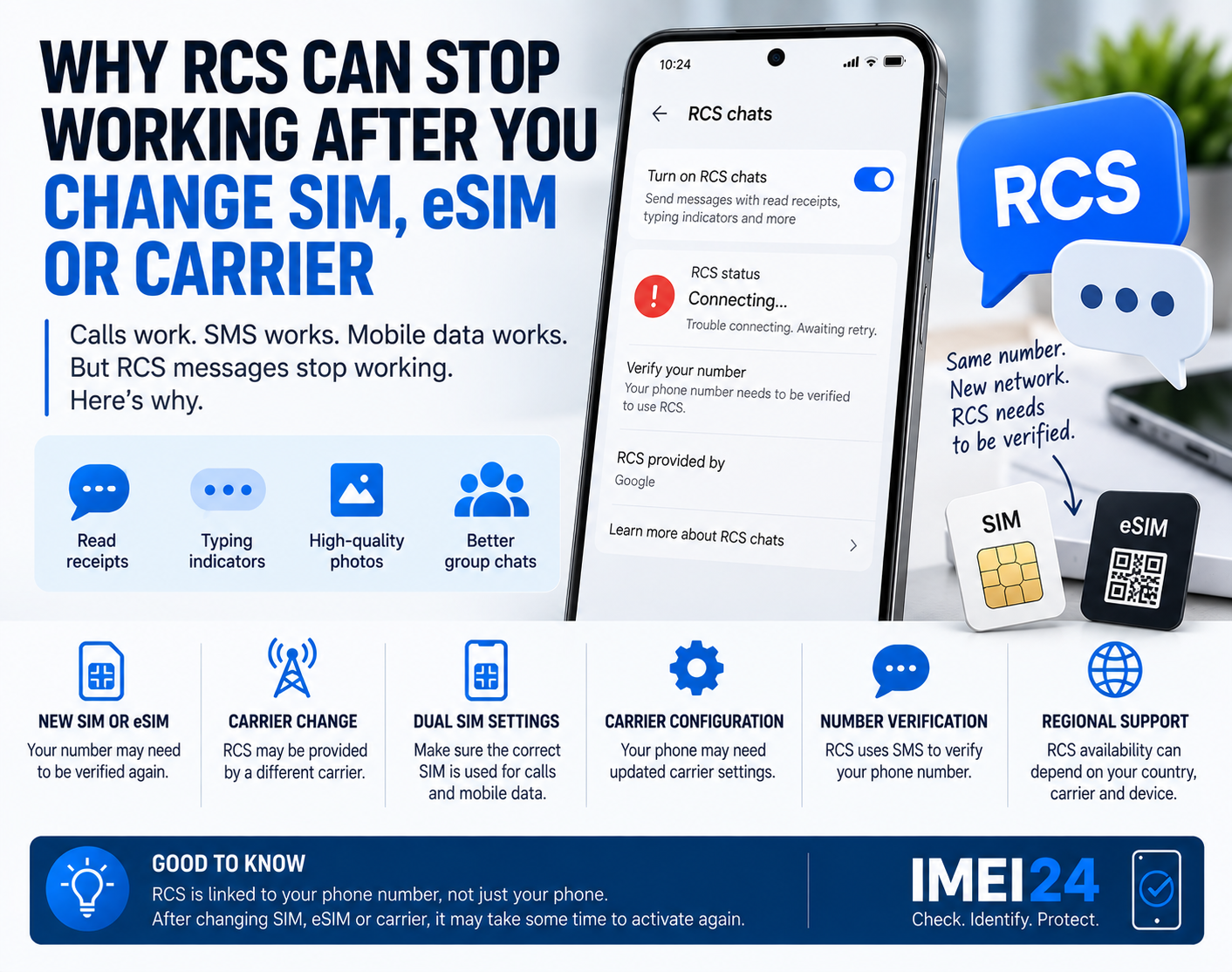
eSIM can create a similar problem
With eSIM, the situation can be even more confusing because there is no card to remove and inspect.
The profile may exist on the phone, but still not be fully activated.
The carrier may require additional setup, or the plan may not have completed provisioning correctly.
This is one reason why users sometimes think an eSIM phone is connected properly just because the profile appears in settings.
If the eSIM line was recently added, transferred, or restored after a reset, activation problems are worth checking first.
Coverage still matters more than people think
Modern phones are smart, but they cannot create signal where none exists.
Poor reception remains one of the most common reasons for "Emergency calls only."
This often happens:
* inside thick concrete buildings
* in underground garages
* in rural areas
* near borders
* while traveling
* in elevators, tunnels, or trains
If the problem disappears after moving to another area, the issue may be coverage rather than the phone itself.
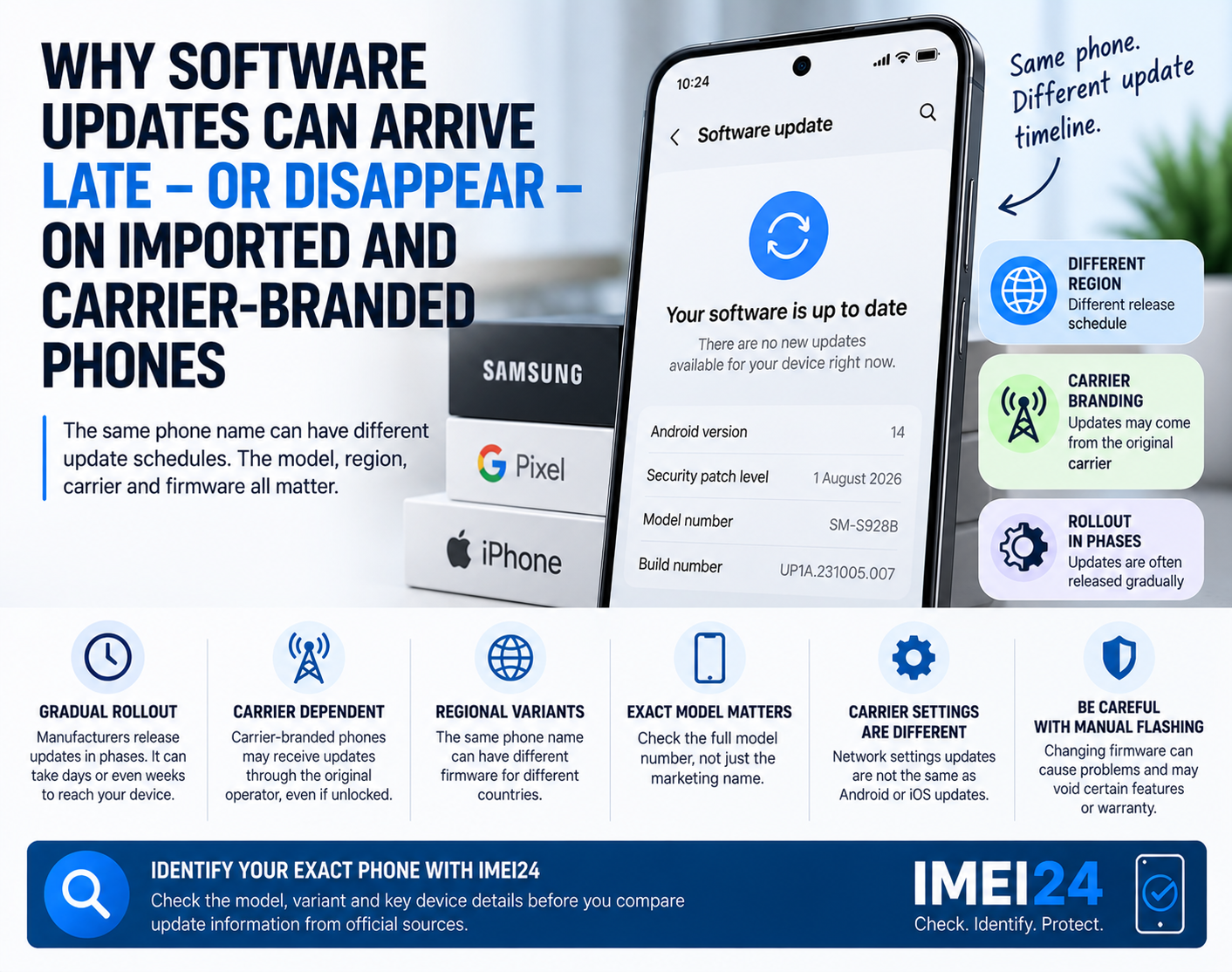
Imported phones can be trickier
This is where things become more interesting.
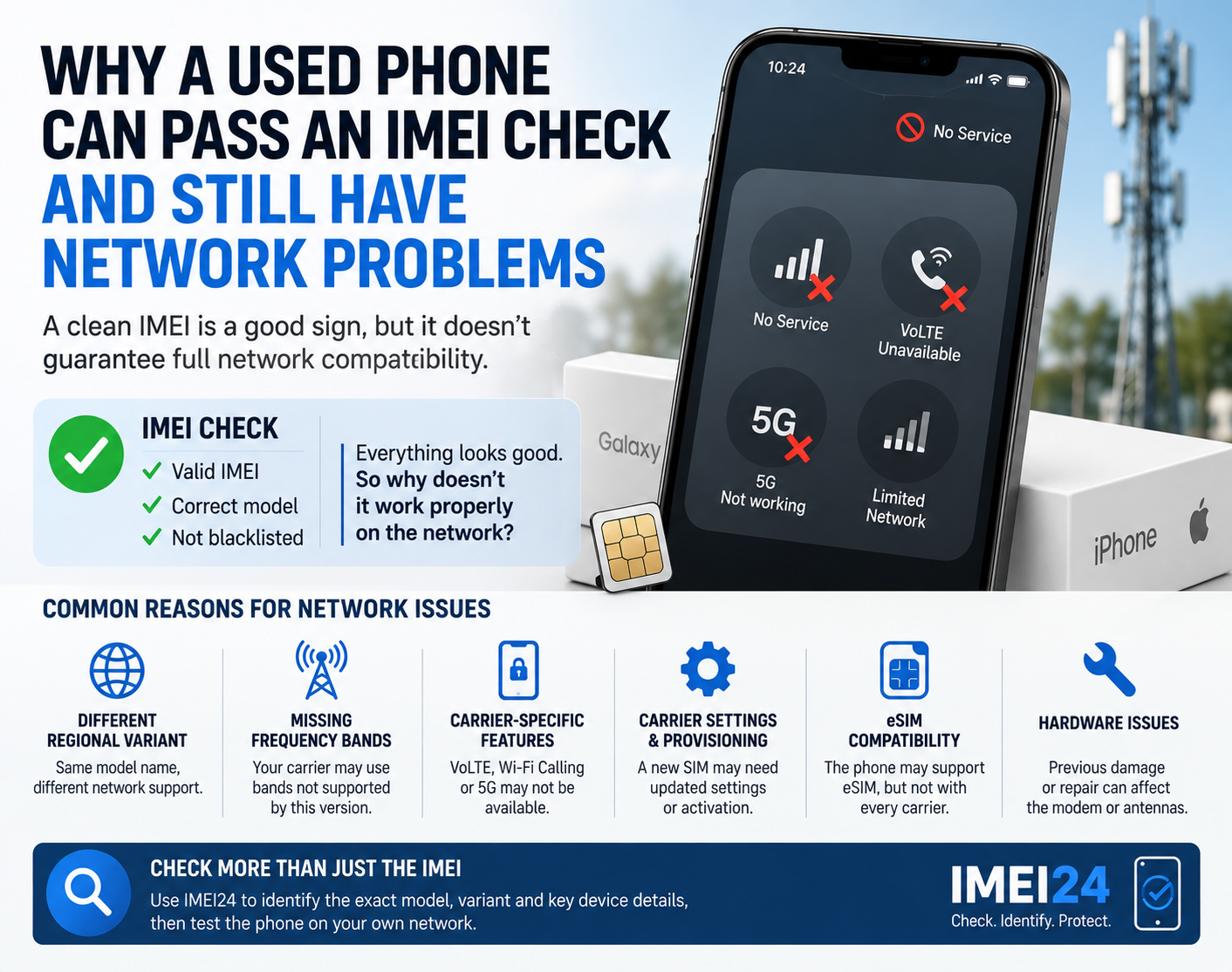
A phone can be unlocked, modern, and fully working in everyday use - but still have trouble attaching correctly to some network services in another market.
An imported device may differ in:
* regional firmware
* modem configuration
* carrier support profile
* supported bands
* certification for local services
That does not always result in a total loss of service, but it can sometimes produce unstable or incomplete network behavior.
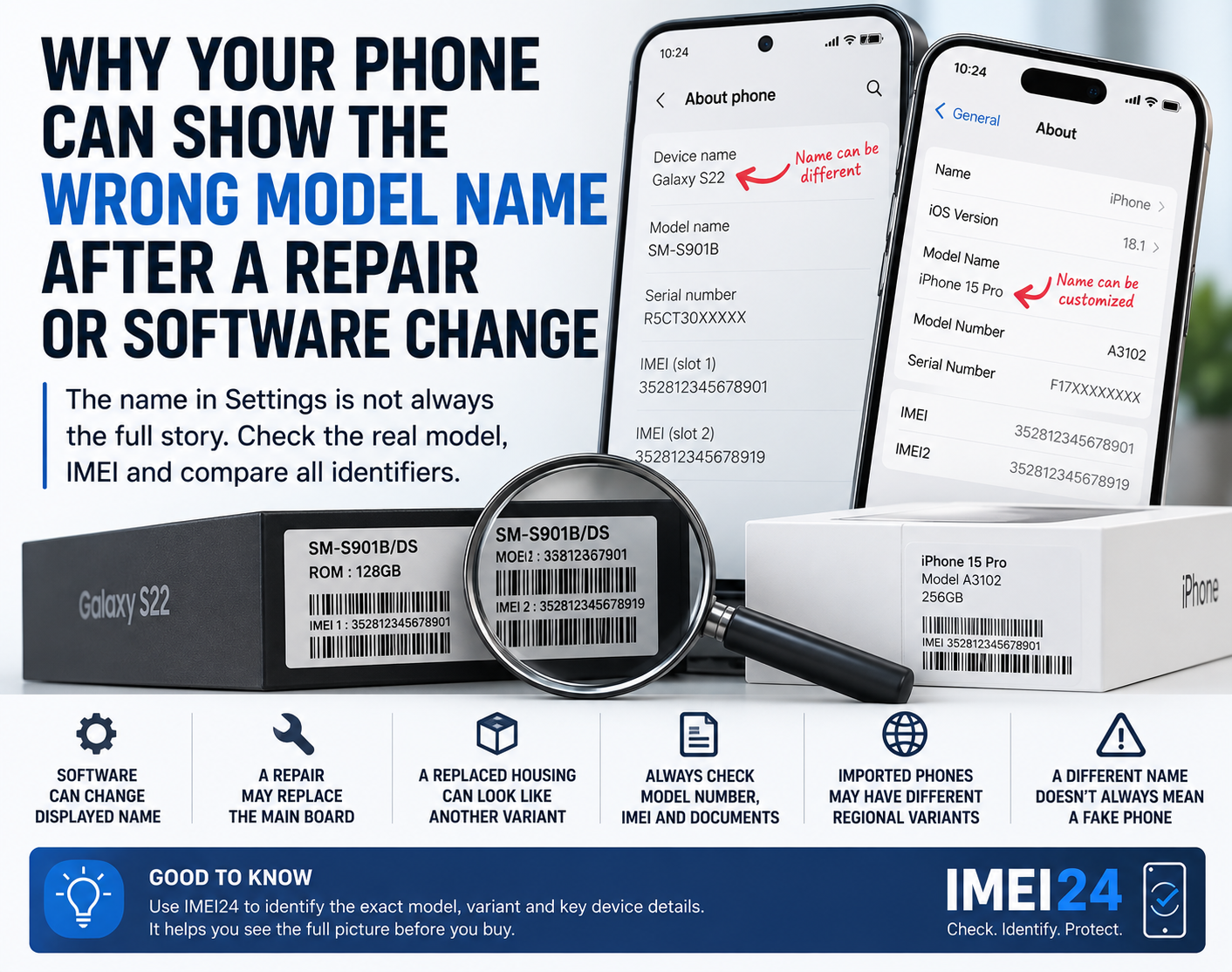
In some situations, identifying the exact model and device variant is more useful than simply saying "I have a Samsung" or "I have an iPhone."
This is one of the cases where IMEI24 can help as a practical identification tool. If the service returns details for your device, you may be able to confirm the exact model, Product Name, SKU, storage, manufacturer, regional variant, or blacklist status where supported.
That will not magically restore network service, but it can help you understand whether the phone in your hand matches the version you think you bought.
Do not ignore blacklist status
If a phone was bought second-hand and suddenly shows limited network behavior, one more possibility should be considered.
The device may have network restrictions associated with its IMEI.
Not every "Emergency calls only" case is caused by blacklist issues, and you should not jump to that conclusion immediately.
Still, if the phone's history is unclear, checking whether the IMEI is blacklisted can be a sensible step.
This is particularly relevant when:
* you bought the phone used
* the seller gave little background information
* the issue started after inserting your own SIM
* the phone works on Wi-Fi but struggles on cellular service
A blacklist check is not the first step for every case, but in the right situation it can save time.
Software can also trigger registration problems
Phones depend on software not only for apps and interface, but also for network communication.
After a software update, reset, or carrier profile change, the device may briefly fail to register properly.
That is why it is worth checking:
* whether the phone is up to date
* whether carrier settings need updating
* whether network settings were changed recently
* whether the issue started after travel, a reset, or switching operators
Sometimes a network settings reset can help, but it should not be the very first move if you have not even checked the SIM, eSIM, or local coverage.
When the exact model matters
Two phones can share the same commercial name and still behave differently on mobile networks.
That sounds surprising, but it is common.
A model sold for one region may not be identical to the one officially distributed in another.
That difference can matter when you are dealing with:
* VoLTE
* Wi-Fi Calling
* eSIM activation
* roaming
* network registration
* carrier-specific support
This is one reason why generic support questions often go nowhere.
Instead of asking:
Why does my Samsung show Emergency calls only?
it is much better to ask:
Why does model SM-XXXX on this carrier show Emergency calls only?
The second question gives you a real chance of getting a useful answer.
What should you do before contacting support?
If your phone is stuck on "Emergency calls only," go through this short checklist:
* restart the phone
* toggle Airplane Mode on and off
* check whether the issue happens in multiple locations
* test the SIM in another phone if possible
* confirm eSIM activation if you use eSIM
* check for software and carrier updates
* verify the exact model and variant
* check blacklist status if the phone was bought used
After that, you will have much better information for your carrier or service provider.
When to contact the carrier
If the SIM works in another phone, or if your eSIM should be active but the line still does not register, the next step is usually the carrier.
They can confirm whether:
* the line is active
* there is an outage
* the SIM or eSIM is provisioned correctly
* the device is allowed on the network
* additional activation is required
A surprising number of network issues cannot be solved from the phone alone because the real problem sits on the operator's side.
One message, many possible causes
"Emergency calls only" looks like one simple error, but it can point to several very different problems.
That is why guessing is a bad strategy.
Sometimes the issue is just weak signal.
Sometimes it is an inactive SIM.
Sometimes it is a recently added eSIM.
And sometimes it takes a closer look at the exact phone variant or the device's IMEI status to understand what is really happening.
The good news is that this message does not automatically mean your phone is finished.
It usually means you need better diagnosis - not panic.