Why Wi-Fi Calling May Not Work on an Imported Phone
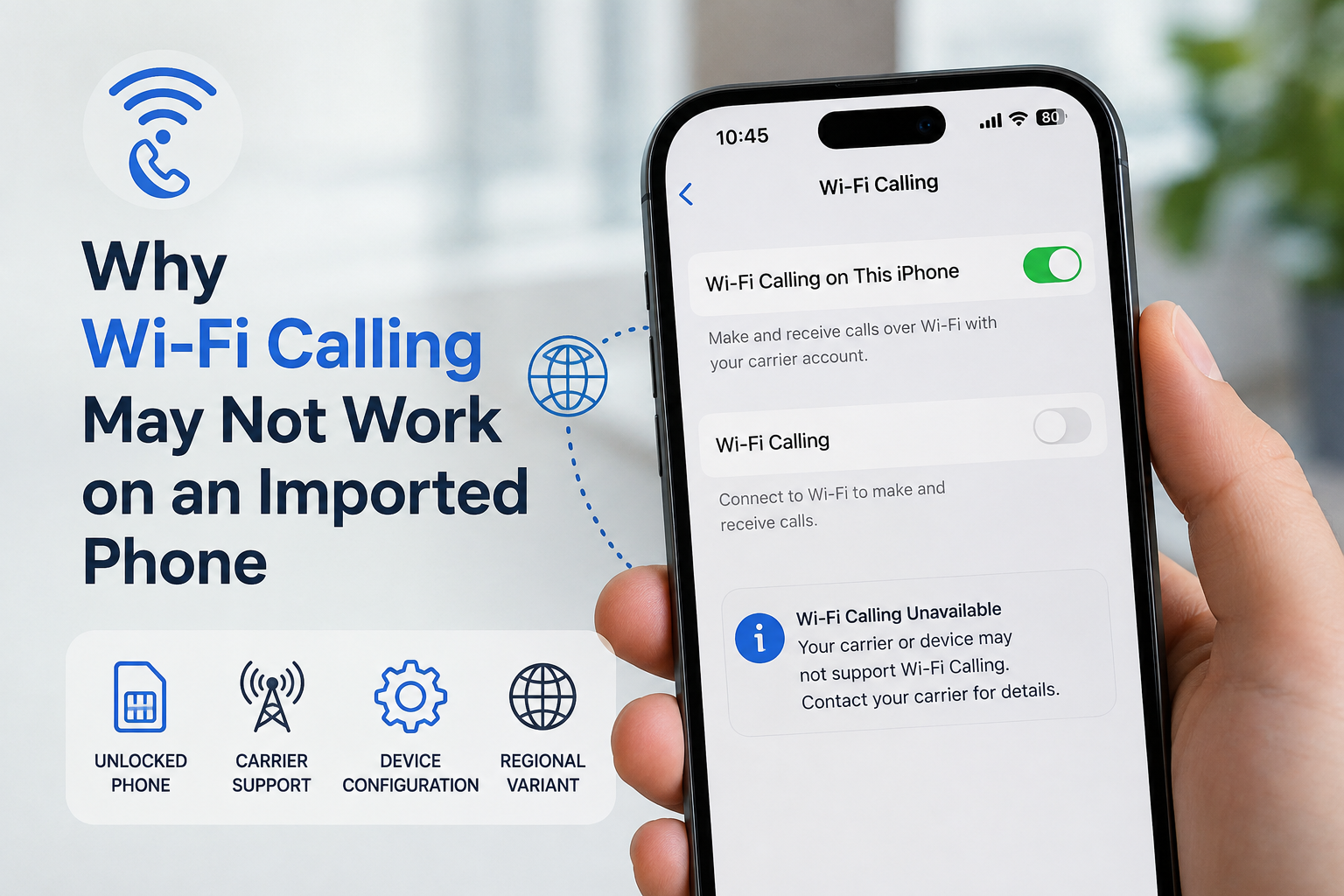
You buy an unlocked smartphone abroad, insert your SIM card, and almost everything works normally. Mobile data connects, calls go through and text messages arrive.
Then you try to enable Wi-Fi Calling — and the option is missing.
Or it is there, but the phone refuses to activate it.
This can be confusing because Wi-Fi Calling sounds like a simple phone feature. In reality, it depends on more than just the hardware inside your smartphone.
Wi-Fi Calling is partly controlled by your carrier
Wi-Fi Calling allows your phone to route regular voice calls through a Wi-Fi connection when cellular coverage is weak or unavailable.
The important part is that these are still carrier calls. Your mobile operator needs to support the feature and allow your particular device and subscription to use it.
Google notes that not every carrier supports Wi-Fi Calling. Samsung makes a similar point: availability can depend on both the carrier and the device.
That means two similar phones can behave differently even when connected to the same mobile network.
An unlocked phone is not automatically fully compatible
This is one of the most common misunderstandings.
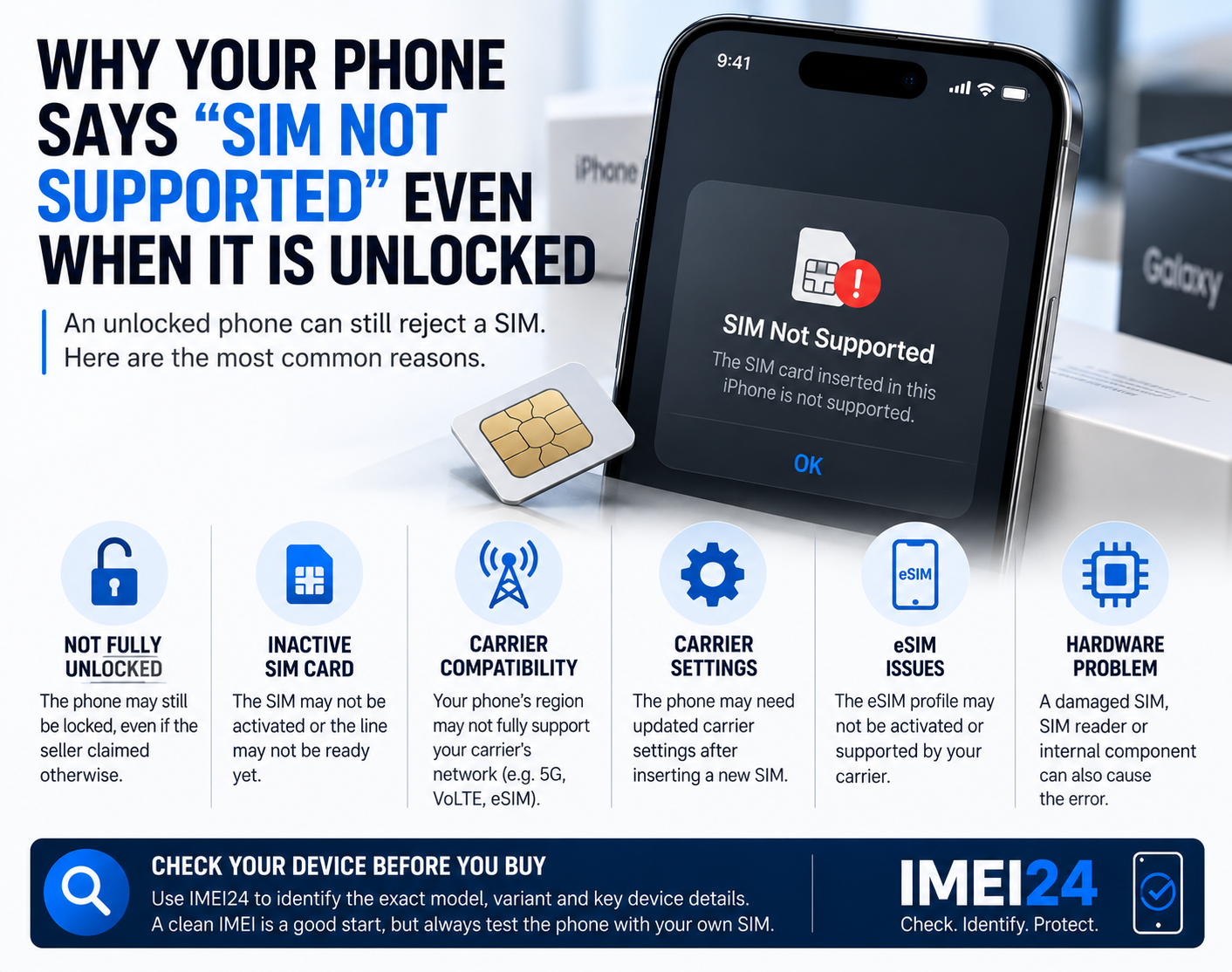
SIM unlocking simply means that the phone is not restricted to one particular mobile network. It does not guarantee that every network feature offered by another operator will work.
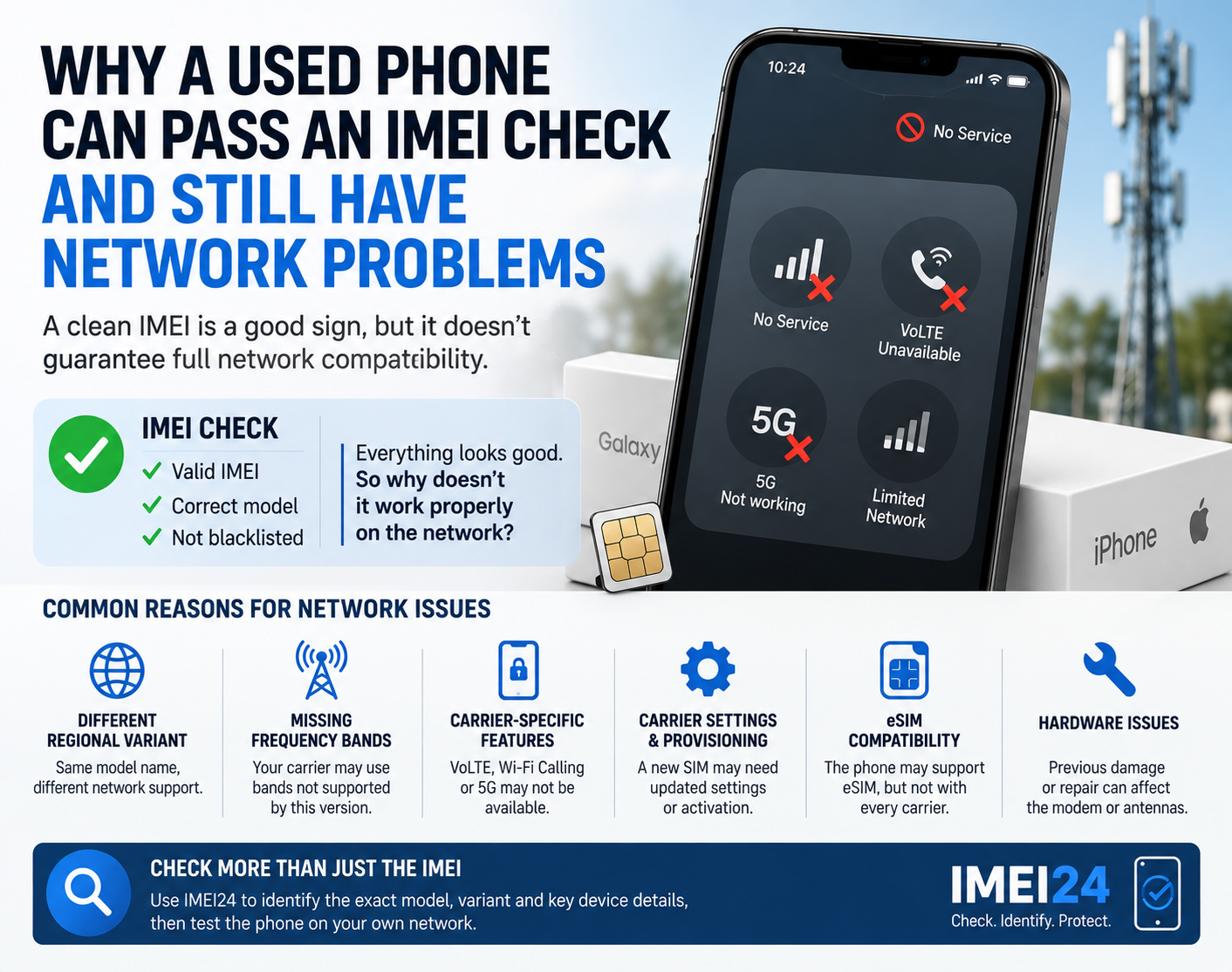
An imported phone may:
• accept your SIM card
• make normal calls
• use LTE or 5G
• send SMS messages
and still have problems with Wi-Fi Calling.
The same principle can apply to services such as VoLTE or other carrier-specific network features.
The exact phone variant can matter
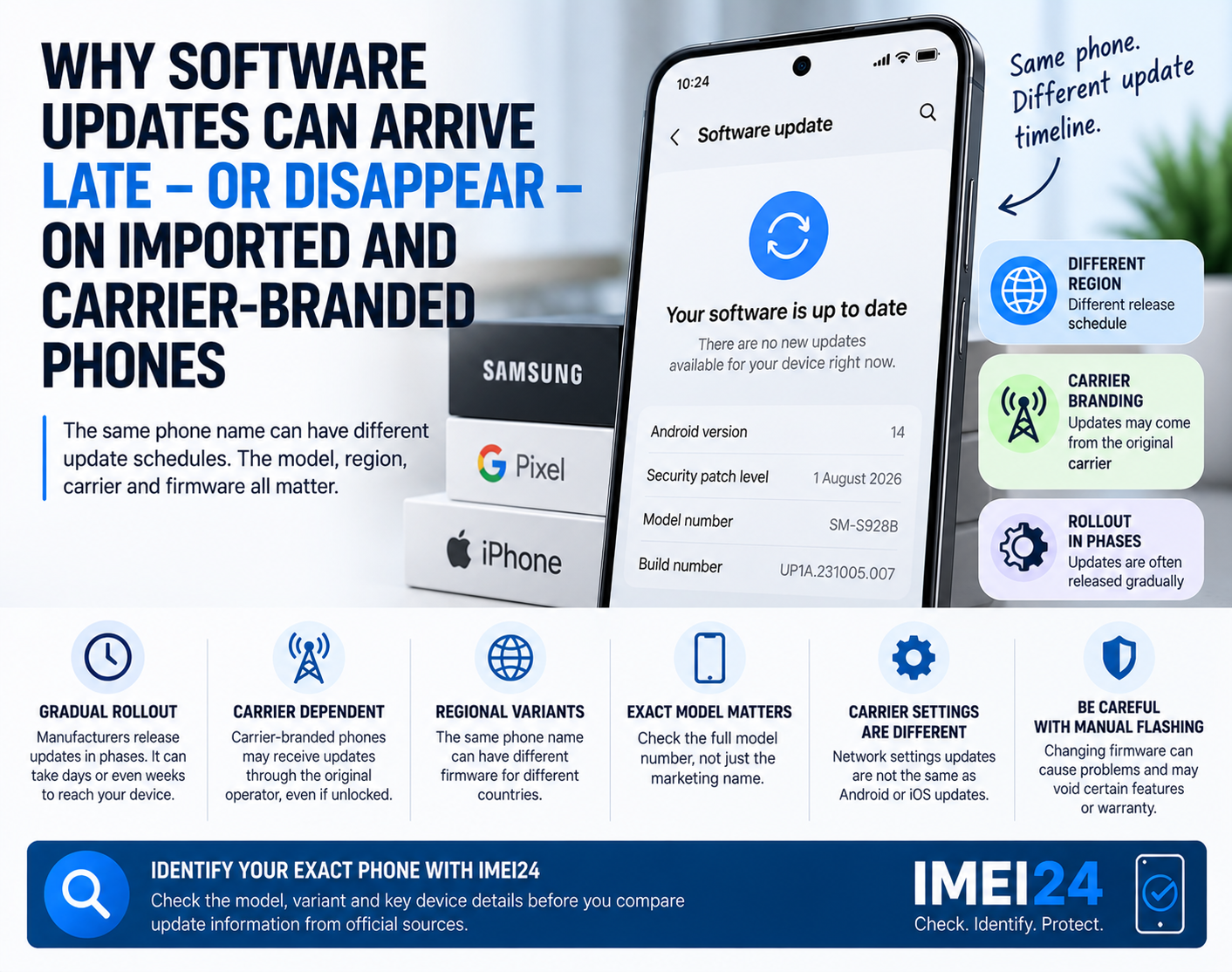
Smartphones are often produced in several regional or carrier-specific versions.
Two devices may have the same commercial name while using different model numbers, firmware configurations or network profiles.
For example, a Samsung Galaxy sold for one market may not be configured exactly like the version officially distributed by carriers in another country.
This is why identifying the exact device — rather than simply saying "I have a Galaxy" or "I have an iPhone" — can be useful when troubleshooting.
A device lookup using IMEI24 can help confirm information such as the exact model or device variant when that information is available for the particular handset.
That gives you something more precise to compare with your carrier's compatibility requirements.
Carrier configuration also matters
On an iPhone, Apple uses carrier settings to configure network-related features.
Carrier settings updates can add or change support for network services, including features such as 5G or Wi-Fi Calling.
If you have recently inserted a different SIM card or installed a new eSIM, the phone may also need updated carrier settings.
On an iPhone, you can check this by opening:
Settings → General → About
If a carrier settings update is available, iOS may prompt you to install it.
This is worth checking before assuming that the phone itself is faulty.
Why can the Wi-Fi Calling option disappear completely?
Sometimes the problem is not that Wi-Fi Calling fails. The switch simply does not appear in the settings.
On Android, this can happen when the current carrier configuration does not expose the feature for that SIM, device or software combination.
A missing menu option does not necessarily mean that the phone lacks Wi-Fi Calling hardware.
It may simply mean that the carrier does not support that particular combination of phone, software and subscription.
Imported phones make diagnosis more complicated
Imagine that you buy a smartphone originally intended for another country.
You insert your local SIM and get:
• working mobile internet
• normal voice calls
• SMS
• perhaps even 5G
but no Wi-Fi Calling.
At this point there are several possible explanations.
The operator may not support Wi-Fi Calling for that device variant. The phone may not have the appropriate carrier configuration. The software may be outdated. The subscription itself may require activation of the service.
This is why changing random network settings is rarely the best first step.
What should you check first?
1. Confirm that your carrier supports Wi-Fi Calling
Do not assume that every tariff or prepaid service includes it.
Check the operator's current documentation or contact support.
2. Identify the exact phone model
Do not rely only on the marketing name printed on the box.
Check the model number in the phone settings and, when useful, verify the device information using IMEI24.
3. Update the phone
Install the latest stable software available for the device.
Outdated software can sometimes cause problems with carrier configuration or network features.
4. Check carrier settings
This is particularly important on iPhones.
A carrier settings update can change how the phone interacts with the mobile network and may introduce support for additional network services.
5. Restart the phone after making changes
It sounds basic, but network registration and carrier configuration can be refreshed after a reboot.
6. Ask the operator about the exact model number
Instead of asking:
"Does Wi-Fi Calling work on Samsung phones?"
ask:
"Is Wi-Fi Calling supported on model SM-XXXX with my tariff?"
That is a much more useful question.
Don't flash different firmware as your first solution
When users discover that an imported phone has limited network functionality, internet forums often suggest installing firmware from another region.
That is not a good first troubleshooting step.
Changing firmware can introduce additional problems, may erase data and can affect future updates or other functions.
First determine whether the operator officially supports the device.
In many cases, the problem is not something that can be solved by changing one hidden setting.
What about iPhones?
The situation is generally more standardized on iPhones, but carrier support still matters.
Apple states that your carrier must support Wi-Fi Calling. If the feature cannot be activated even though the iPhone is updated, contacting the carrier is one of the recommended troubleshooting steps.
So even with an unlocked iPhone, Wi-Fi Calling should not be treated as a guaranteed feature on every network in every country.
Before buying an imported phone, check more than the SIM lock
An unlocked phone can still have network compatibility limitations.
Before importing an expensive smartphone, it is worth checking:
• the exact model number
• the intended regional variant
• supported mobile technologies
• eSIM support if you need it
• VoLTE compatibility
• Wi-Fi Calling compatibility with your operator
This is especially important if you regularly use your phone in buildings with poor cellular reception, where Wi-Fi Calling can make a major difference.
A phone does not have to be defective just because this feature is missing.
Sometimes the phone, software and carrier simply were never designed to work together in that particular combination.