Samsung FRP Lock - What It Is and How It Works in 2026
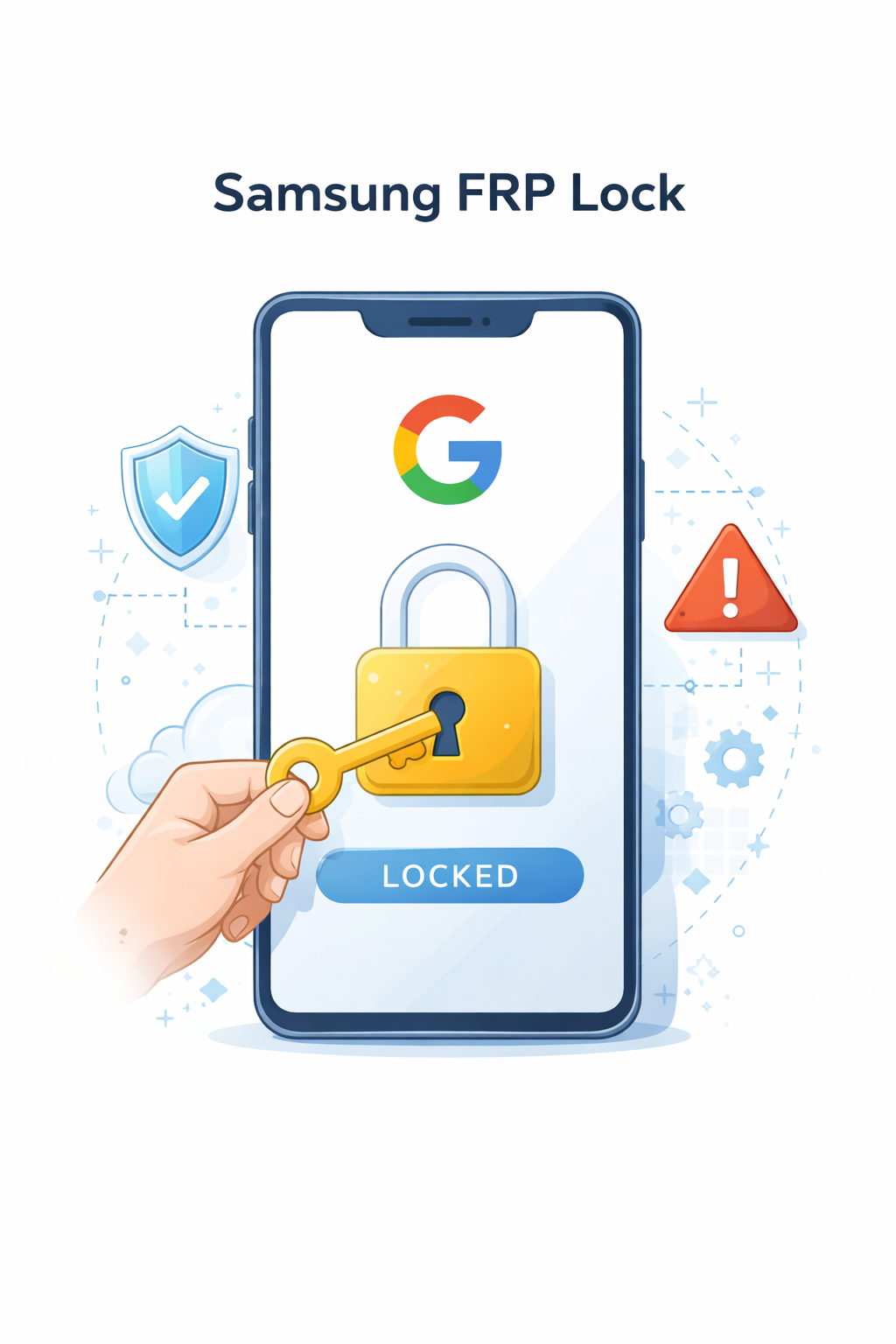
Factory Reset Protection (FRP) is one of the most important security features found in modern Samsung smartphones. Introduced by Google as part of the Android system, FRP is designed to protect user data and prevent unauthorized access to devices after a factory reset.
What Is FRP on Samsung Devices?
FRP (Factory Reset Protection) is a built-in security mechanism that automatically activates when a Google account is added to a Samsung device. Its main purpose is to block access to the phone after it has been reset, unless the original account credentials are provided.
In simple terms, even if someone resets the device, they won’t be able to use it without logging into the previously synced Google account. This makes stolen or lost phones significantly less useful to unauthorized users.
When Does FRP Lock Appear?
The FRP lock is typically triggered in the following situations:
Factory reset performed without removing the Google account
Buying a second-hand Samsung phone with an active account
Device reset after system issues or errors
Once triggered, the setup process will require the original Google login details before allowing access to the system.
Why FRP Exists
The primary goal of FRP is security. It prevents unauthorized users from accessing a device after it has been reset, effectively protecting personal data and reducing smartphone theft.
Since its introduction in Android 5.1, FRP has become a standard feature across nearly all Samsung devices and other Android smartphones.
Common Problems with Samsung FRP
While FRP is highly effective, it can also cause issues for legitimate users.
The most common problems include:
Forgotten Google account credentials
Second-hand phones still linked to a previous owner
Devices locked after an unexpected reset
In these cases, users may find themselves unable to access their own device.
How to Remove FRP on Samsung
The safest and most recommended method is to log in using the original Google account. If that’s not possible, users can recover access through Google’s account recovery process.
However, there are also professional online services that can help remove FRP without complex technical steps. One example is:
Samsung FRP Google Account Remove
Such solutions are especially useful when the original account is no longer accessible or when dealing with second-hand devices.
Important Tips Before Resetting Your Samsung Phone
To avoid FRP issues, always:
Remove your Google account before performing a factory reset
Make sure you remember your login credentials
Verify the device status when buying a used phone
Taking these steps can save you from unnecessary complications later.
Summary
Samsung FRP is a powerful security feature that protects your device and data, but it can also become a barrier if you’re not prepared.
Understanding how it works—and how to handle it—can help you avoid common problems and keep full control over your smartphone.
In 2026, FRP remains a key part of mobile security, combining protection with responsibility for the user.