Hidden Features in Modern Smartphones - What Most Users Still Don't Know
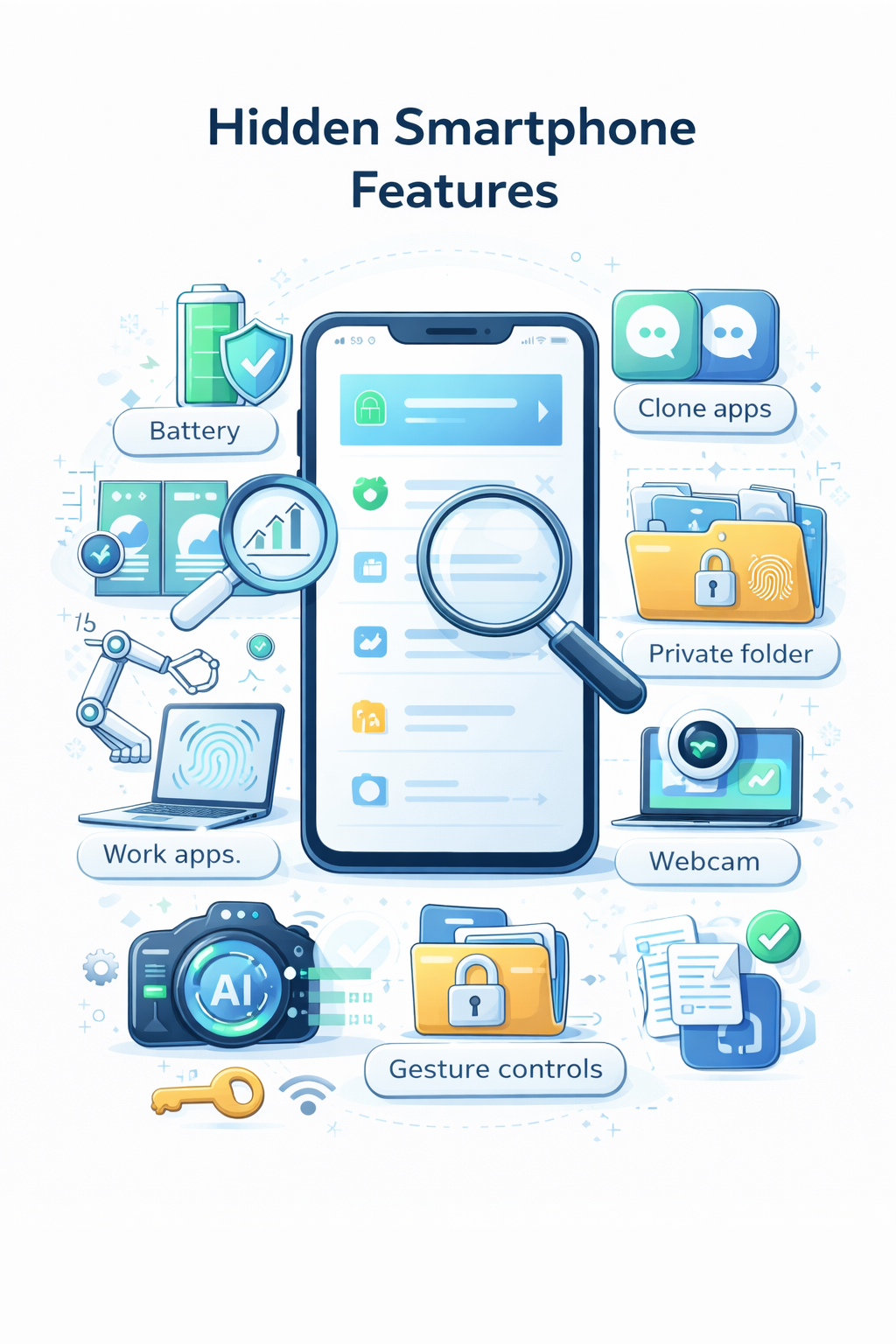
Modern smartphones are packed with advanced features, yet most users only use a fraction of their capabilities. In 2026, many useful functions remain hidden in system settings or require simple tweaks to unlock their full potential.
Advanced Battery Optimization
Battery life is one of the biggest concerns for users, but today’s devices offer more control than ever.
Hidden options allow you to:
Limit background activity for specific apps
Automatically switch performance modes
Analyze which apps drain the most power
Most users never explore these settings, even though they can extend battery life significantly without affecting performance.
Built-in Security Tools You’re Not Using
Smartphones now include powerful security features that often go unnoticed.
Examples include:
App permission history (see which apps accessed camera or microphone)
Temporary permissions (access only while using the app)
Automatic malware scanning
These tools work silently in the background, but knowing how to access them gives you much greater control over your data.
Gesture Controls and Hidden Shortcuts
Navigation has evolved far beyond buttons. Gesture controls can make using your phone faster and more intuitive.
Common hidden gestures:
Double-tap to wake or lock the screen
Swipe actions for quick app switching
Custom gestures for launching specific apps
Once configured, these features can noticeably improve daily usability.
Private Space and App Cloning
Many smartphones now allow you to create separate environments within the same device.
This includes:
Private folders secured by biometric authentication
App cloning (e.g., two accounts for messaging apps)
Hidden storage for sensitive files
This is especially useful for separating work and personal use without needing a second device.
AI Camera Enhancements
Smartphone cameras are no longer just about hardware—they rely heavily on AI processing.
Features you might not be using:
Automatic scene detection and optimization
Object removal from photos
Real-time video enhancement
These tools can dramatically improve photo quality with minimal effort.
Cross-Device Features You Should Enable
If you own multiple devices, you might be missing out on ecosystem features.
Examples include:
Copy-paste between phone and laptop
Syncing notifications across devices
Using your phone as a webcam or hotspot automatically
These integrations save time and create a smoother workflow.
Summary
Smartphones in 2026 are more powerful than ever, but many of their best features remain underused.
Exploring hidden settings and advanced options can significantly improve performance, security, and overall user experience.
Sometimes, the biggest upgrade isn’t a new device—it’s discovering what your current one can already do.