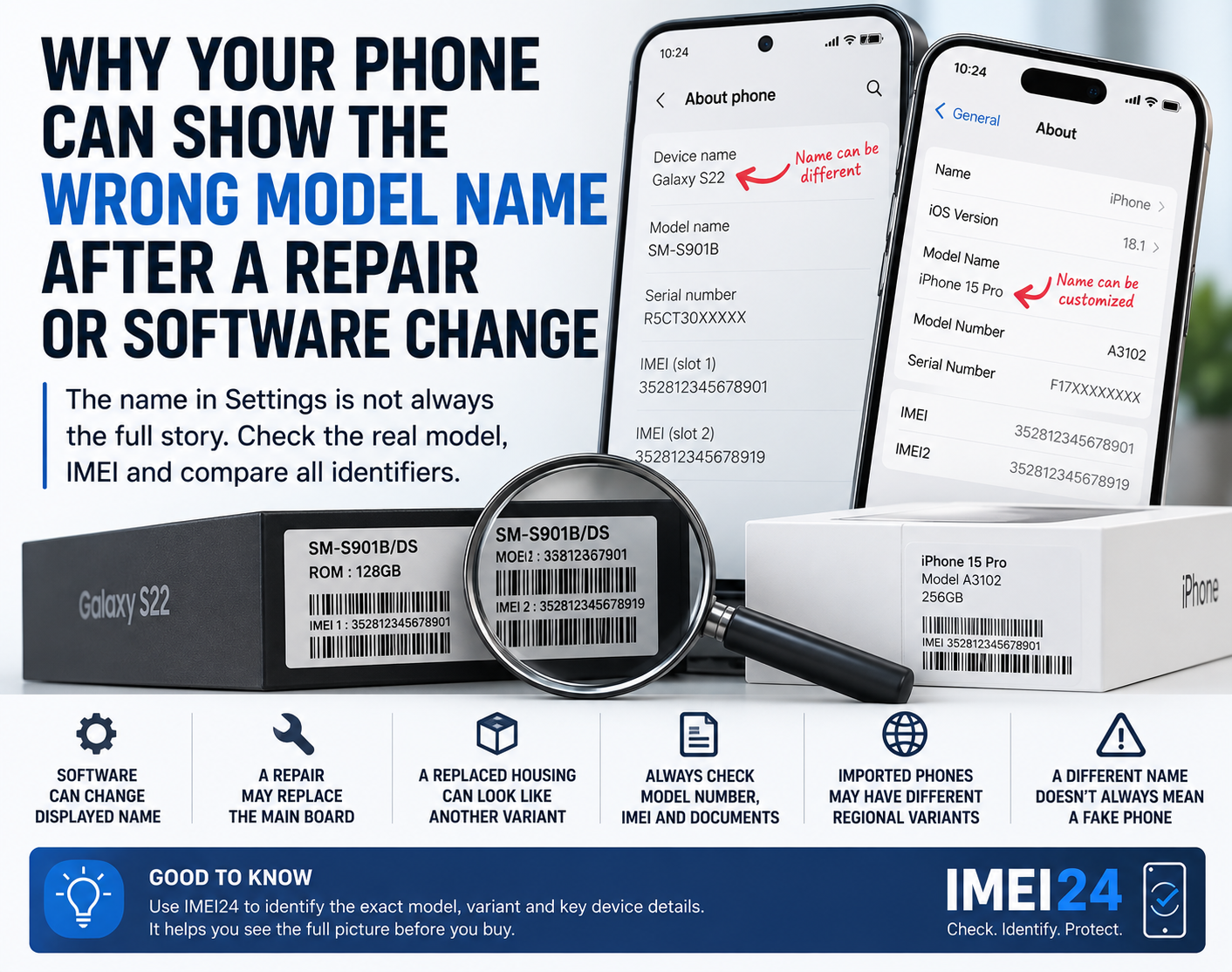
Blocked IMEI? Here's How eSIM Can Help
Just imagine: you have come to a new country to travel or live for a while, and suddenly the connection does not work. Not a single SIM card is working, and endless restarting of the device does not give any result.
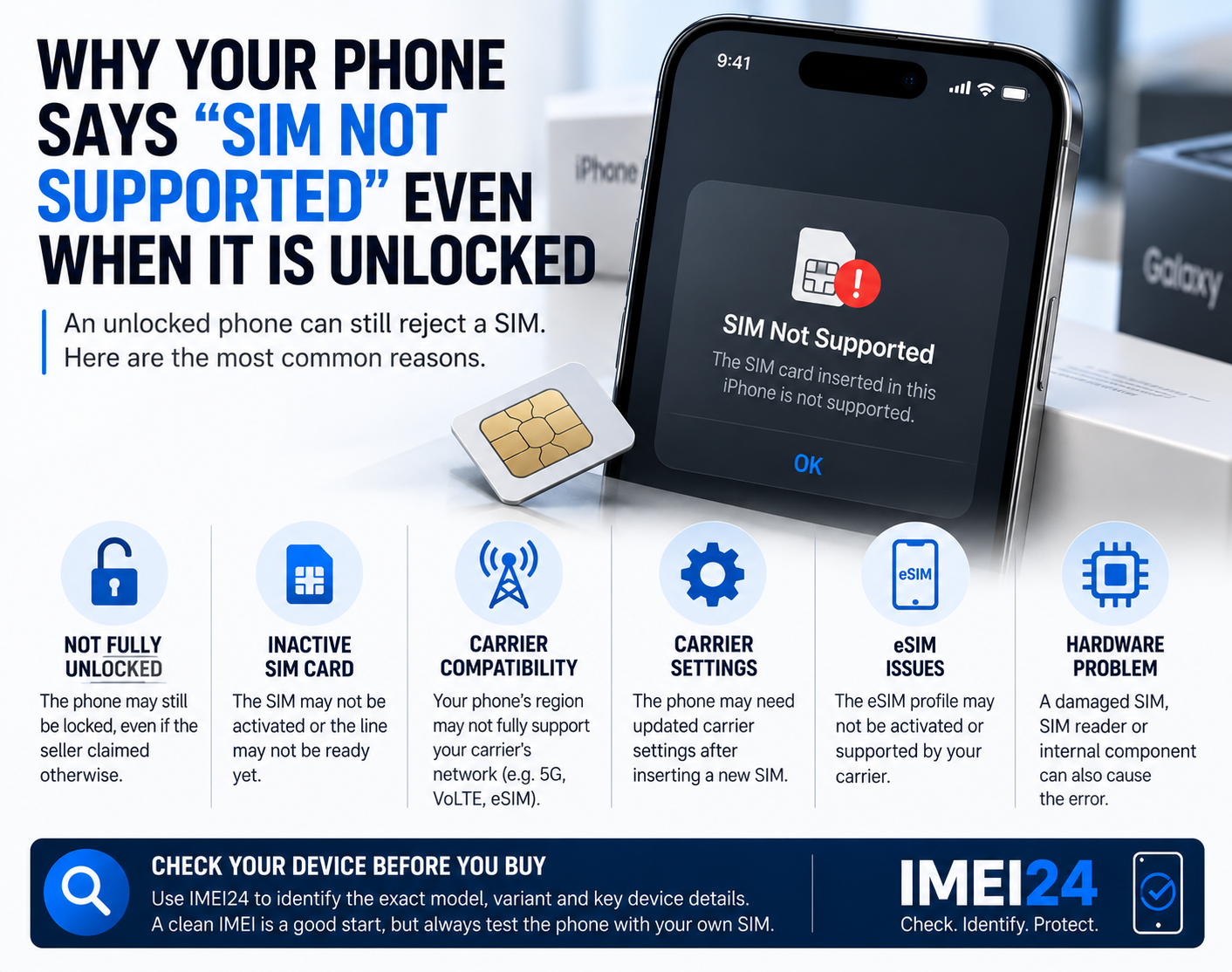
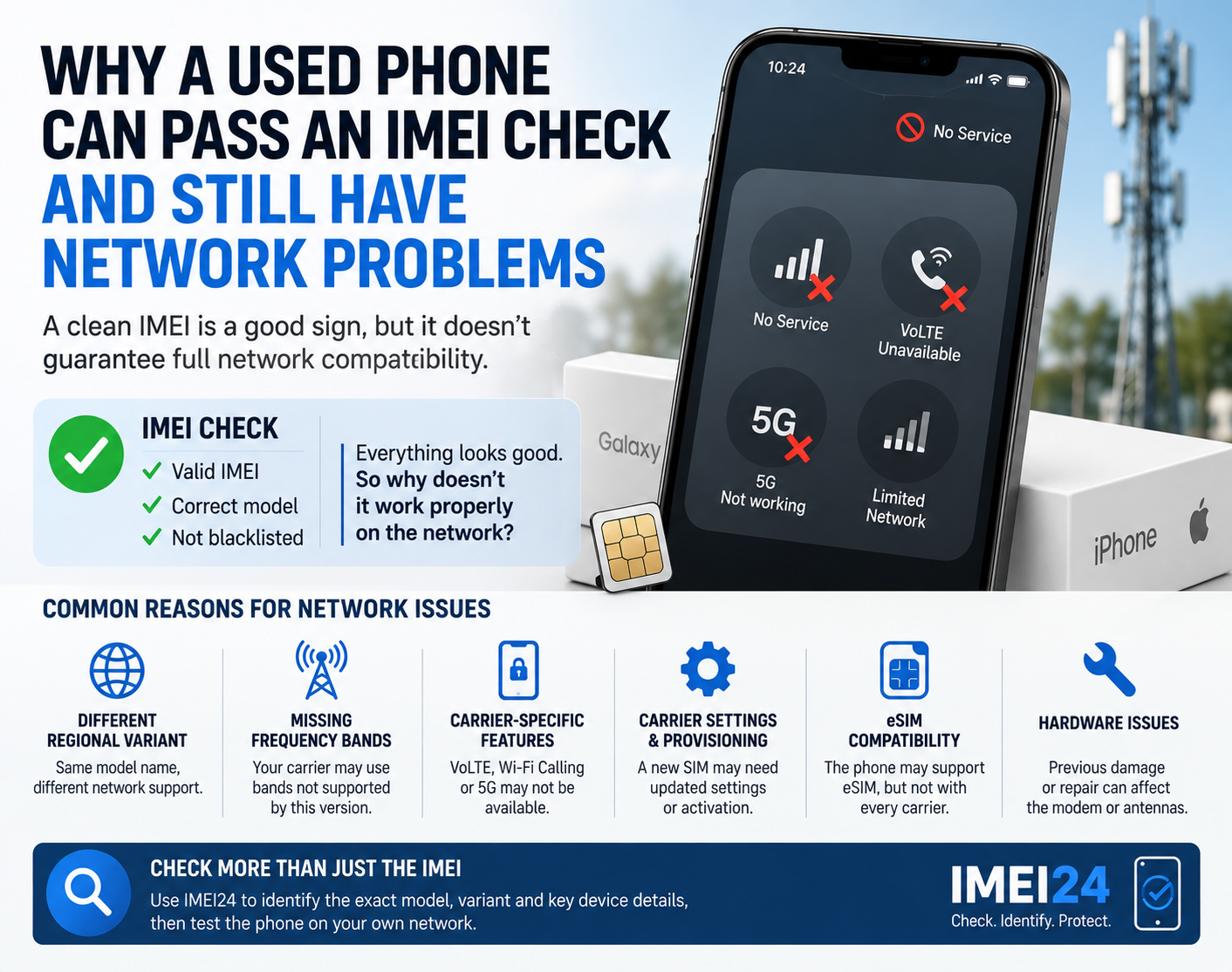
However, the reason may be unexpected: in some countries, such as Turkey, Egypt, and the United Arab Emirates, the IMEI of foreign devices is automatically blocked after a certain period of use, usually about 4 months. This is not a problem for short-term travelers. But what about those who want to stay in the country longer?
There is a convenient and secure solution — eSIM. eSIM is a virtual SIM card that allows you to stay connected even on devices with a blocked IMEI. All you need to do is activate it.
If you are still unfamiliar with eSIM technology and do not know how to activate it correctly on your device, then this article will be very useful for you.
What is eSIM, and what benefits does it offer?
eSIM is a digital SIM card that is a modern and improved alternative to a traditional plastic SIM card. It does not have a physical carrier and offers an absolutely new level of convenience and use of mobile communications around the world. Moreover, it is available on all modern smartphones, tablets, smart watches, etc.
The main advantage of eSIM is the ability to easily and quickly switch between operators and tariffs. All management takes place remotely, through phone settings or a mobile app, or personal account, without the need to buy and insert new SIM cards. This option saves time and effort on searching for and connecting to a mobile.
In addition, eSIM allows you to use multiple numbers on the same device at the same time. For example, a personal and work number, or a local number in another country, at no extra cost. An important advantage is also security: the virtual SIM is not lost, it cannot be physically damaged, or stolen.
Finally, eSIM is an indispensable thing for those who are faced with IMEI blocking or operator restrictions, making it possible to keep in touch in a variety of conditions.
How to get an eSIM and connect it to your Phone
The process of getting an eSIM is much easier and faster than a regular SIM card. Although many people think in reverse. Unlike a plastic SIM card, you do not need to go to the mobile operator's office and sign a bunch of contract papers to get an eSIM. eSIM also offers the advantages of a digital format, where all actions take place remotely in a few minutes.
First, you need to make sure that your smartphone has an eSIM function. Most modern models of iPhone, Samsung, Google Pixel, and other popular brands are already equipped with built-in eSIM. You can check compatibility in the device settings or on the manufacturer's website.
Secondly, you need to choose a reliable eSIM service and apply for a tariff. On the eSIM provider's website, you can select a virtual number you like; it can be a US virtual number, or a temp number for Canada.
Third, you need to pay for the selected number and tariff. After completing the steps, you will receive a QR code to activate the data. This code is scanned by the phone's camera through the mobile settings menu, after which the eSIM is automatically added to the system.
The final stage is profile setup. You can choose which SIM will be used for the Internet, calls, or messages, as well as set the priority if there are several numbers on the device. If the IMEI is blocked, you need to select eSIM as the main one, then your phone will work again. In some cases, if you are blocked for a long time, you may need the help of a provider. You will be able to contact them through the technical support of the selected service.
As you can see, the eSIM connection does not take much time, but on the contrary, it will provide high-quality and stable mobile communication in different cases. This solution is especially relevant for travelers, users with blocked IMEI, and those who value flexibility and freedom in managing communications.
Common errors when connecting the eSIM
Even though connecting a phone to eSIM takes little time and is much easier than any other connection in terms of complexity, some users often encounter difficulties. In most cases, the problem is not related to the operator or the device, but to common errors that are easy to avoid.
One of the most frequent attempts is to install eSIM on a phone that does not support this technology. Even within the same smartphone line, eSIM support may vary depending on the model or region. Before purchasing a profile, it is important to check the compatibility of your device. Therefore, it is important not to skip this step and make sure that it is compatible with eSIM technology.
Another common mistake is rescanning the QR code. An eSIM profile is usually activated once and linked to a specific device. A second attempt at installation may result in an activation error and the need to request a new code from the provider. That is why, if eSIM was connected for the first time, but its validity period expired after some time, it is necessary to contact the provider to obtain new tools for connecting the eSIM.
Many users also forget about the settings after installing the eSIM. Without selecting the main line for mobile Internet or calls, the connection may look “incorrect”, although the profile has been successfully added. Therefore, after activating eSIM, it is necessary to configure its correct operation through the settings, and do not forget to turn off the main number.
An eSIM connection with an unstable Internet connection deserves special attention. If the connection is disconnected at the time of activation, the profile may not be set correctly. That is why it is recommended to connect eSIM via reliable Wi-Fi. However, keep in mind that public Wi-Fi is not the safest way to connect to the Internet. If possible, choose only trusted access points that provide maximum security.
It is easy to avoid these errors if you follow the instructions for connecting and using eSIM technology. When properly installed, the technology works stably and fully reveals its advantages — from convenience to flexibility of use.