How to check your IMEI number - and why it is more useful than most people think
Most smartphone owners never think about their IMEI number until something goes wrong. Maybe they are buying a used phone, contacting their carrier, or trying to verify a device before making a purchase.
In reality, your IMEI is one of the most useful pieces of information your smartphone has. It can tell you much more than just the model name.
What is an IMEI?
IMEI stands for International Mobile Equipment Identity. Every mobile phone has its own unique IMEI number, which acts like a digital fingerprint for the device.
Unlike the phone number or SIM card, the IMEI belongs to the hardware itself. It stays with the device throughout its lifetime.
How to find your IMEI number
There are several simple ways to check it.
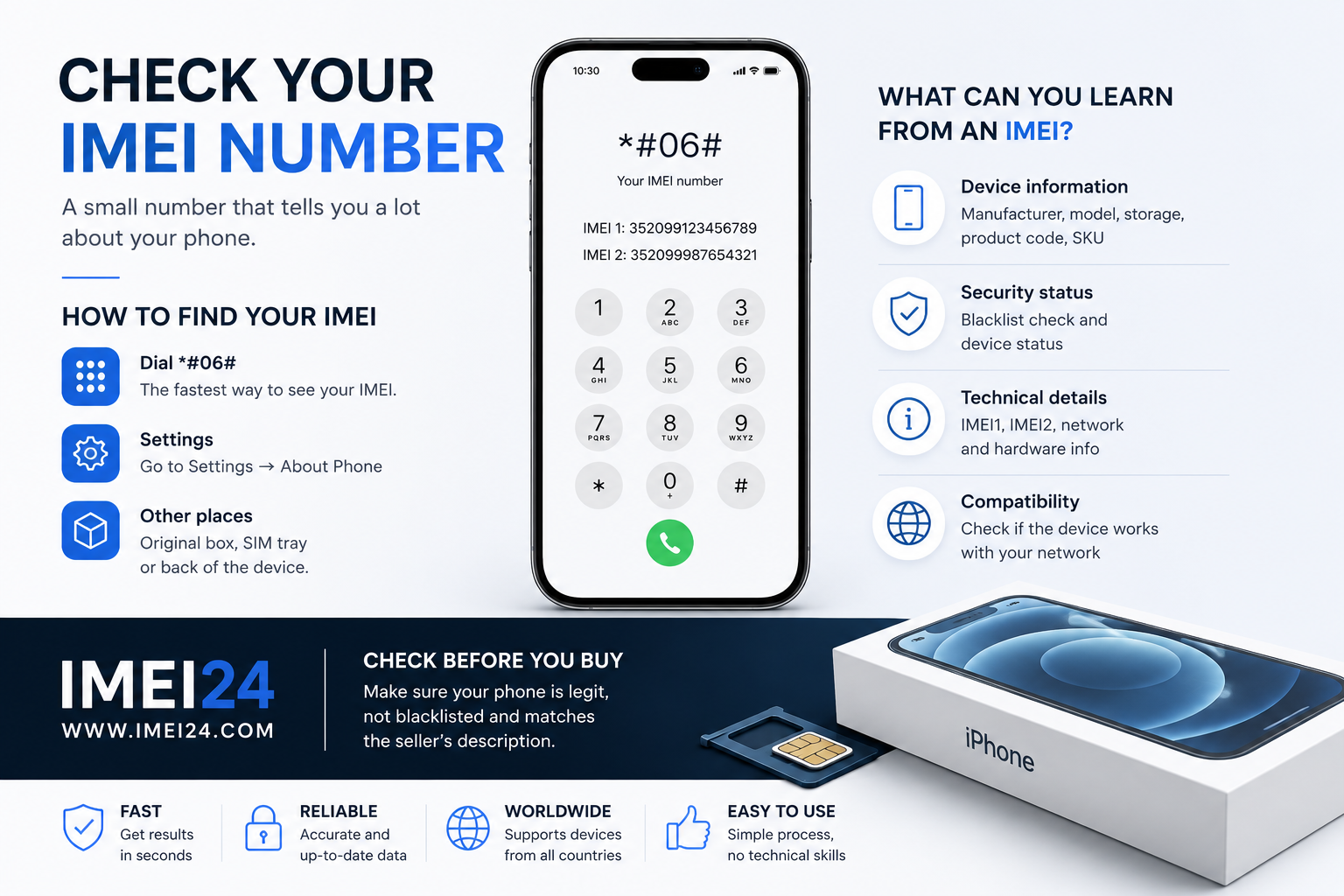
The fastest method is dialing:
*#06#
Within seconds, the phone will display one or two IMEI numbers, depending on whether the device supports Dual SIM or eSIM.
You can also find the IMEI in:
• Settings → About Phone
• the original retail box
• the SIM tray on some models
• the back of older smartphones
Why some phones have two IMEI numbers
Modern smartphones often support two mobile connections.
This means you'll usually see:
• IMEI1 - primary SIM
• IMEI2 - secondary SIM or eSIM
Having two IMEI numbers is completely normal and simply reflects the device's ability to use two mobile networks.
What can you learn from an IMEI?
Many people are surprised by how much information can be linked to a single IMEI number.
Using IMEI24, you can verify information such as:
• manufacturer
• exact model name
• storage version
• product code
• IMEI1 and IMEI2
• blacklist status
• device SKU
• product description
Depending on the device, additional technical information may also be available.
Why checking IMEI before buying a phone is important
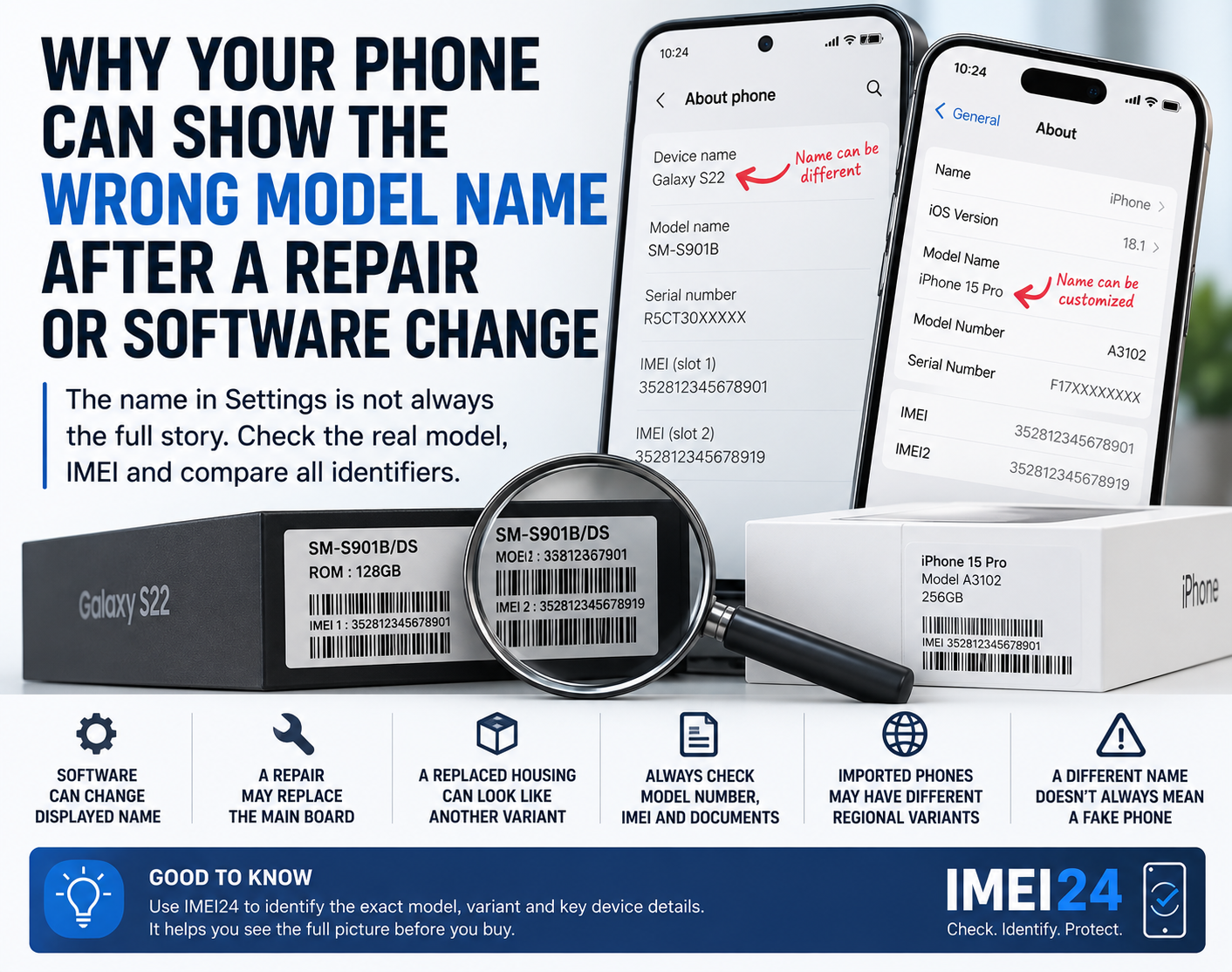
A smartphone can look almost brand new while hiding important details that are impossible to see from the outside.
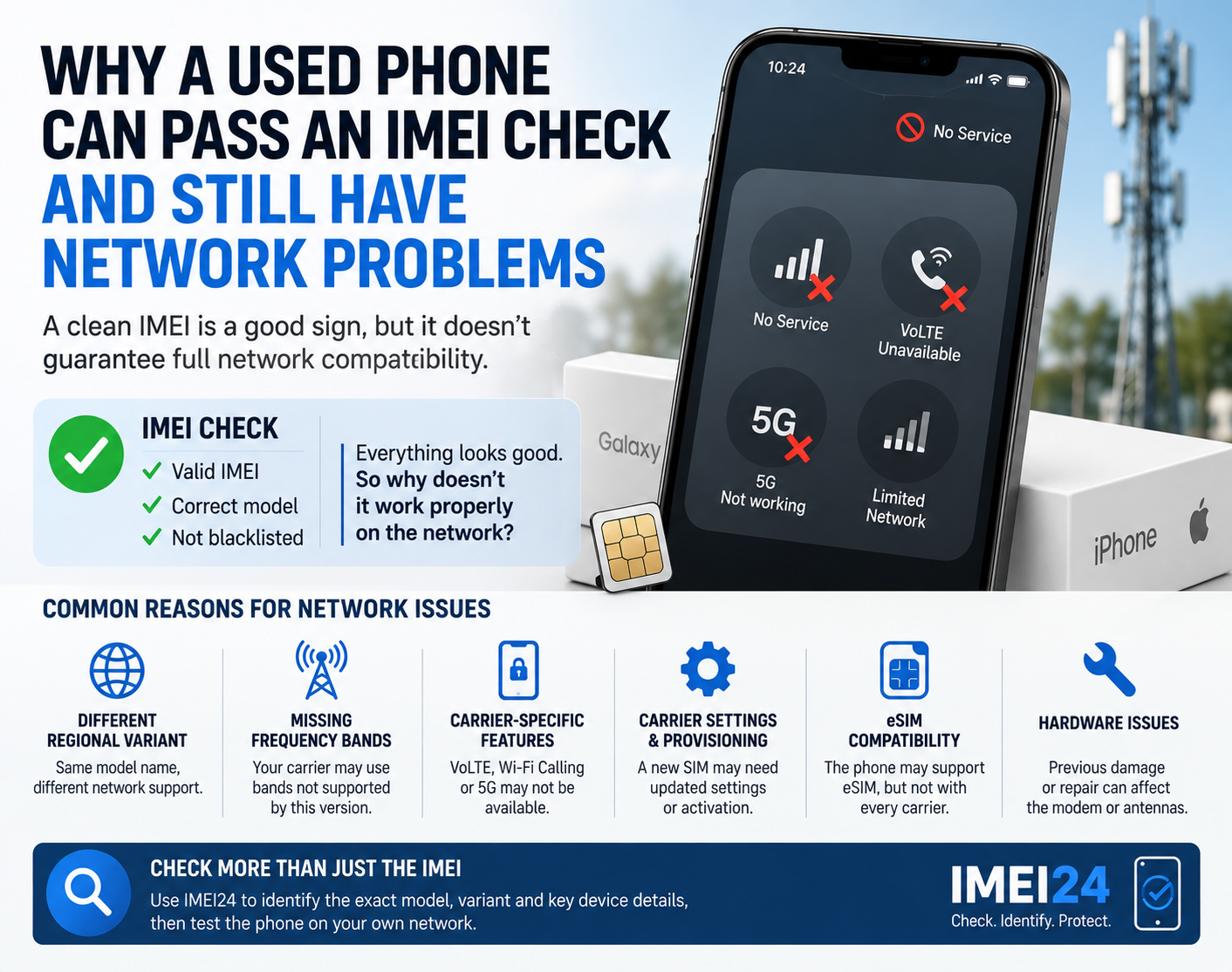
Checking the IMEI helps confirm whether the phone matches the seller's description and whether the device information is consistent.
Many experienced buyers verify the IMEI before paying for any second-hand smartphone.
More than just verification
IMEI information is useful even if you already own the phone.
It can help when:
• contacting technical support
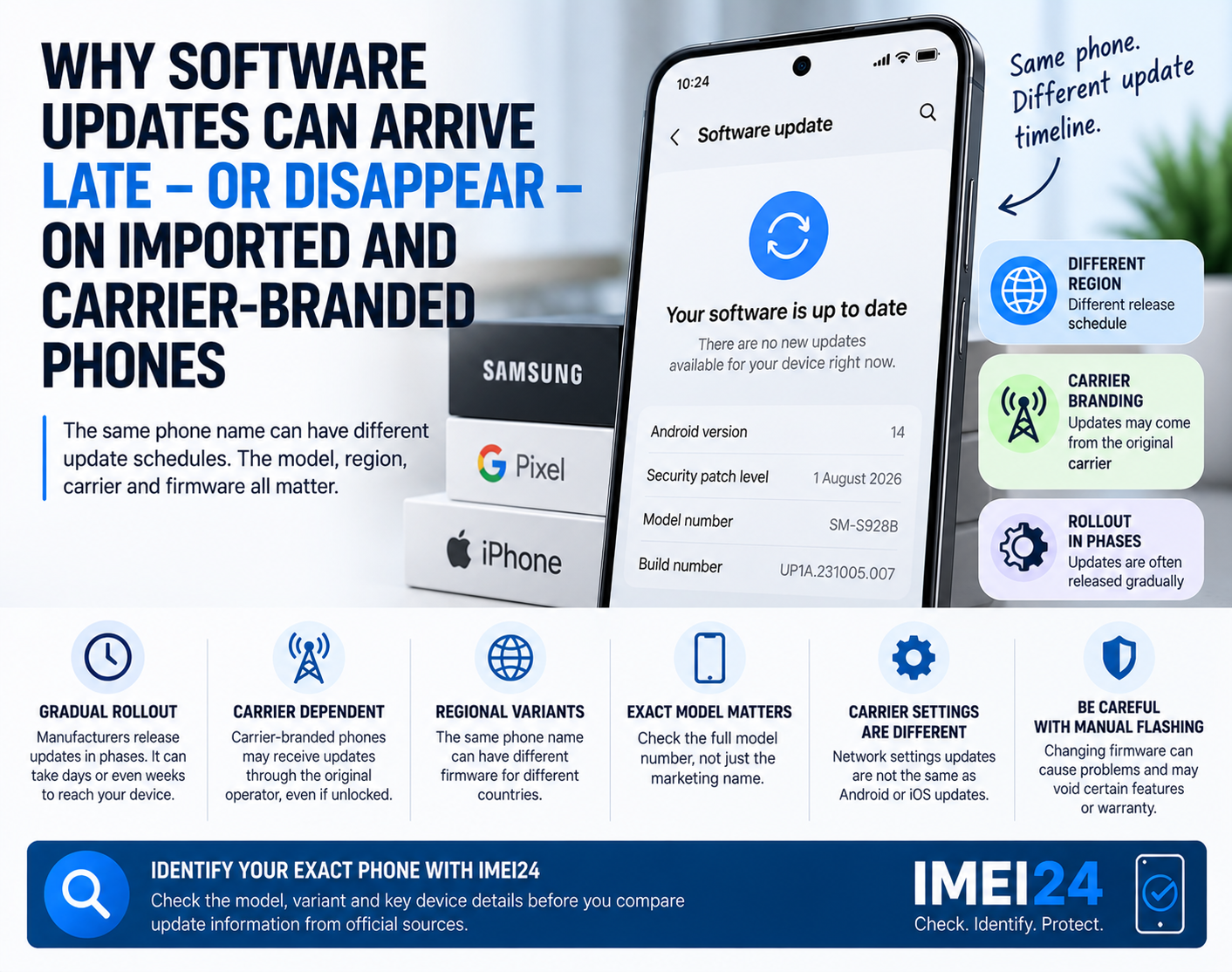
• identifying the exact device variant
• checking compatibility with accessories or spare parts
• confirming hardware details before selling the phone
Knowing your device information makes troubleshooting much easier.
Small number, valuable information
Your IMEI may look like a random sequence of digits, but it represents the identity of your smartphone.
Whether you are buying, selling, repairing, or simply learning more about your device, checking the IMEI is one of the easiest ways to better understand the phone you use every day.
Final thoughts
Most people only search for their IMEI when something goes wrong. In reality, it is worth checking long before that.
A few seconds spent verifying your device on IMEI24 can provide useful technical information, help confirm device details, and make future buying or selling decisions much easier.